Bulk Template Customization
This interface provides detailed instructions on how to bulk customize and generate localized products.
Select the templates you want to customize, then click the “Batch Customize” button
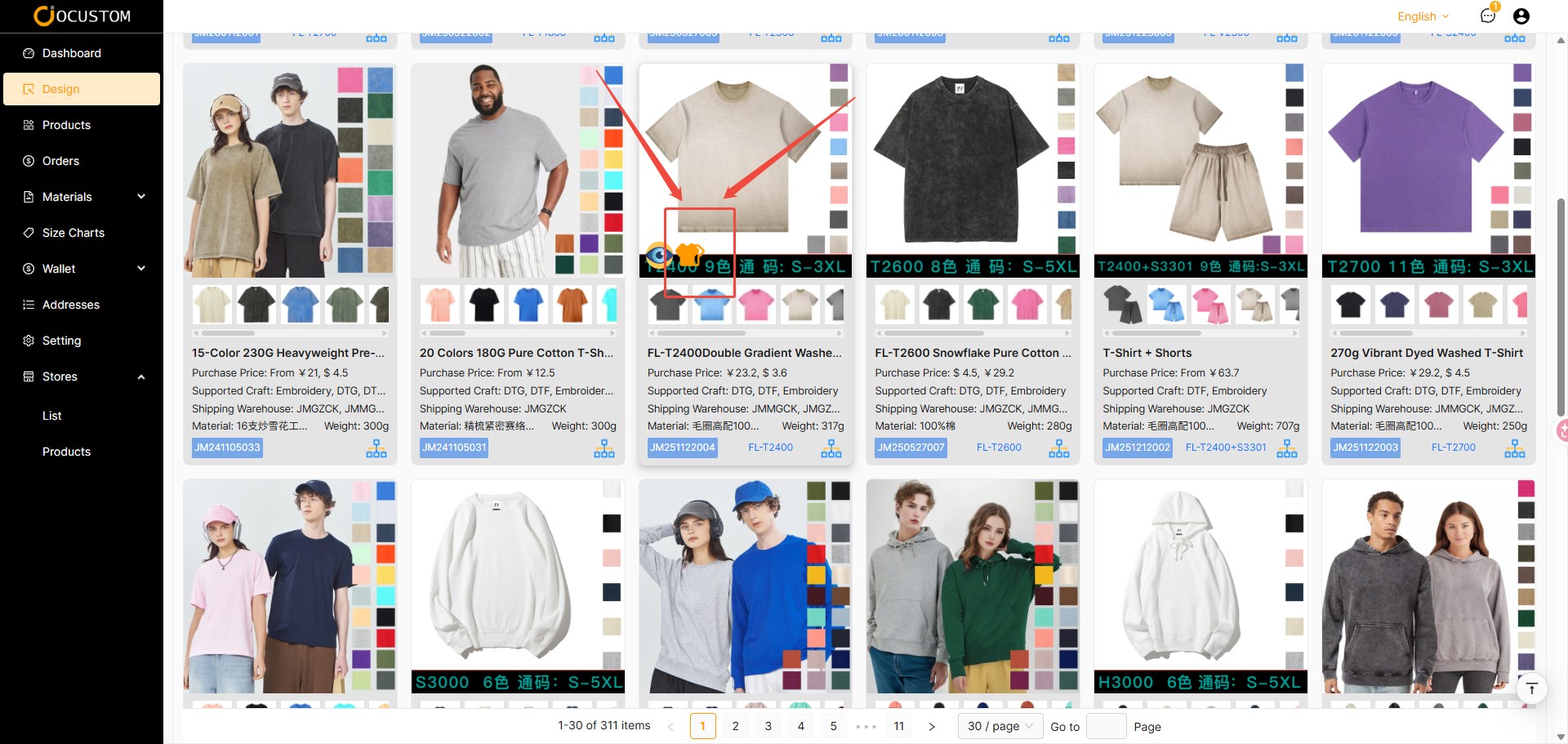
Load the Batch Template Customization Interface
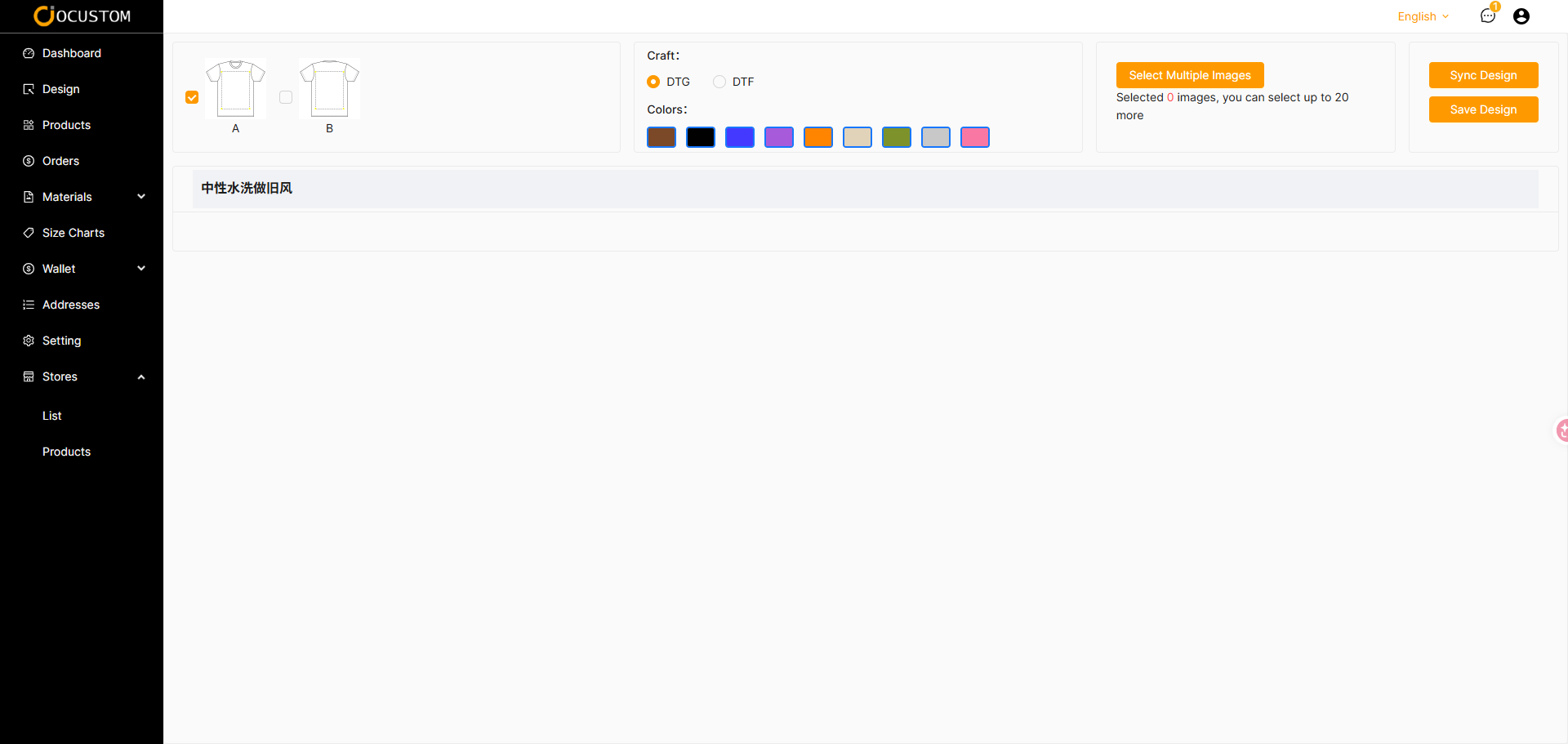
Select the Layers and Colors to Customize
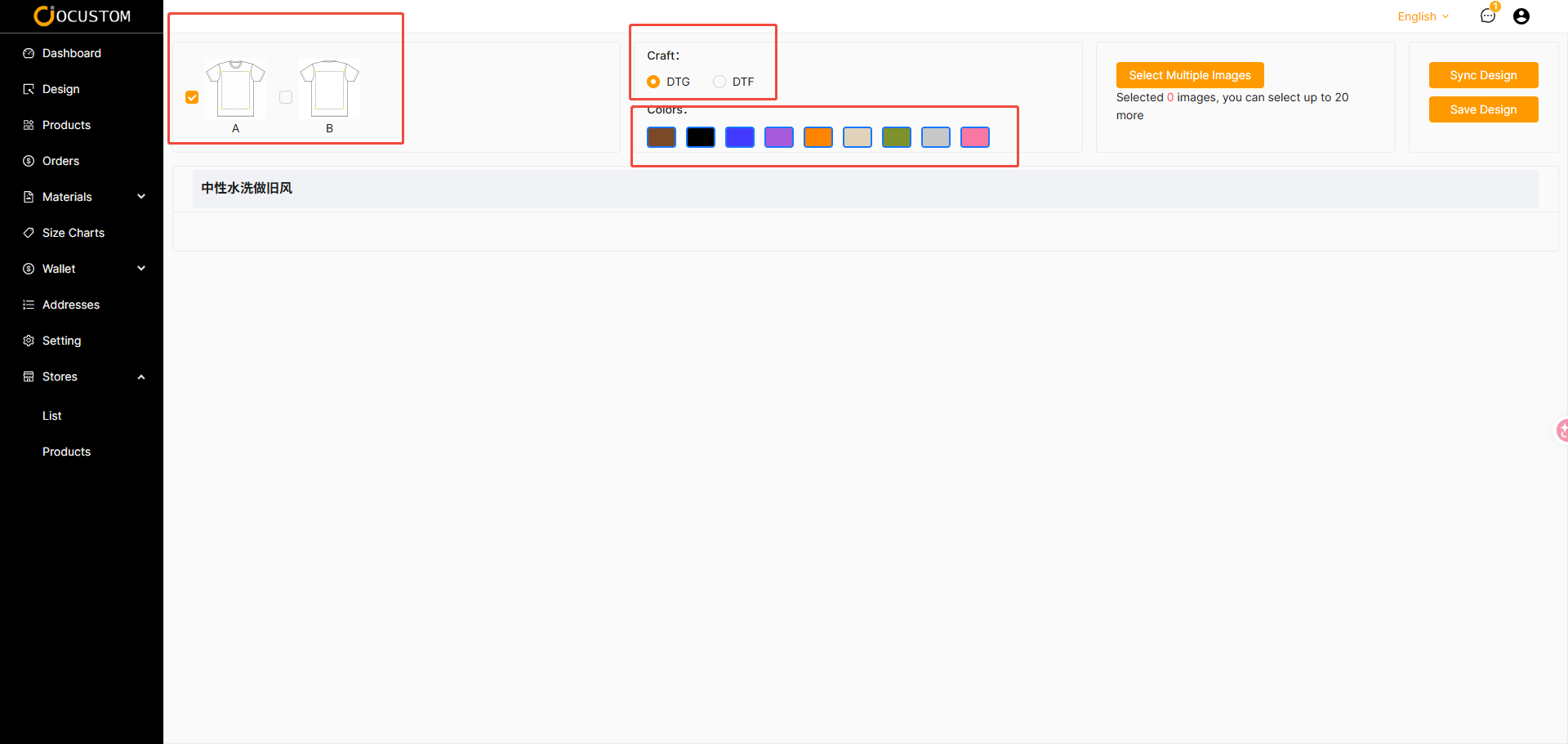
Select Custom Assets and Click “Confirm”
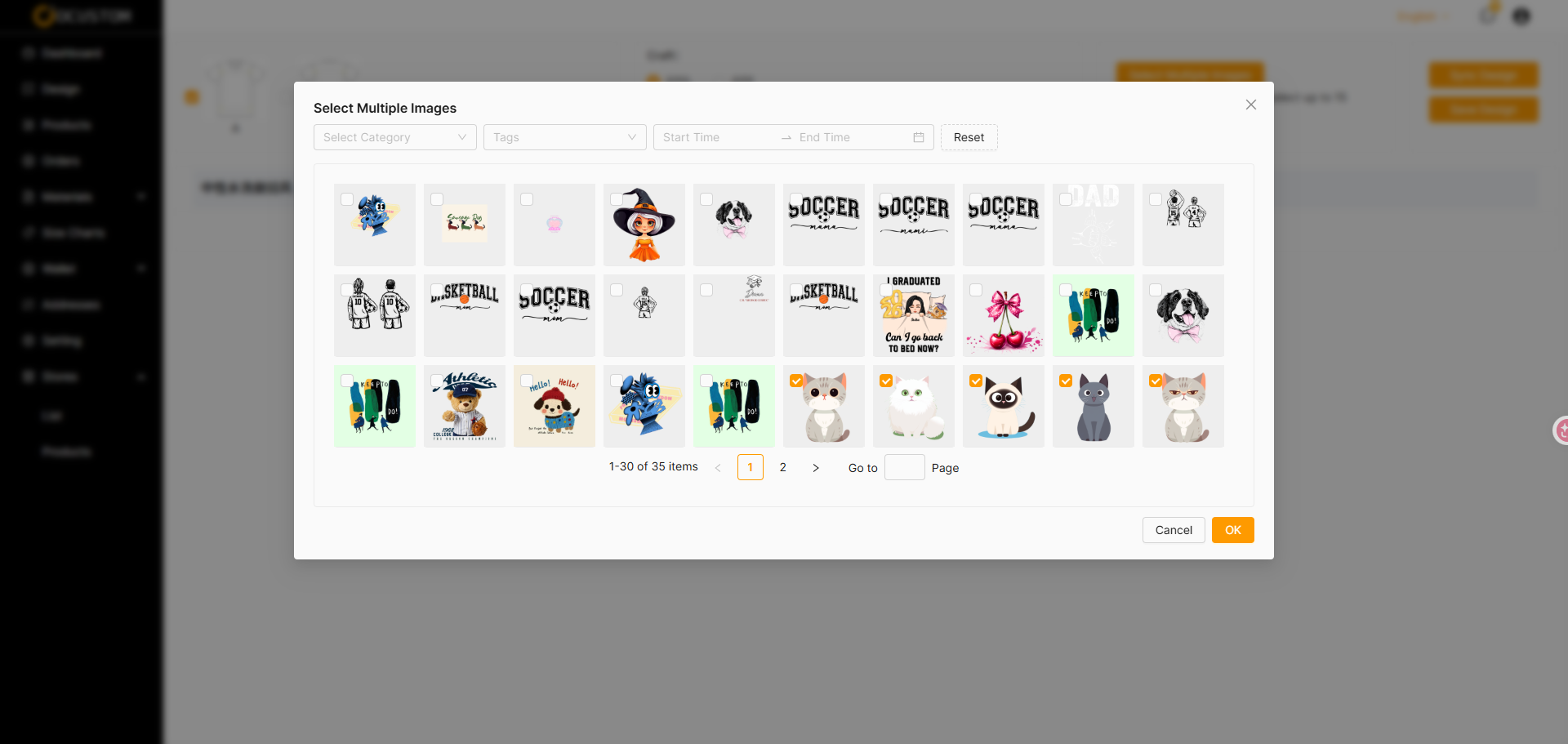
The system will automatically generate a customized combination for each asset based on the selected layers and colors
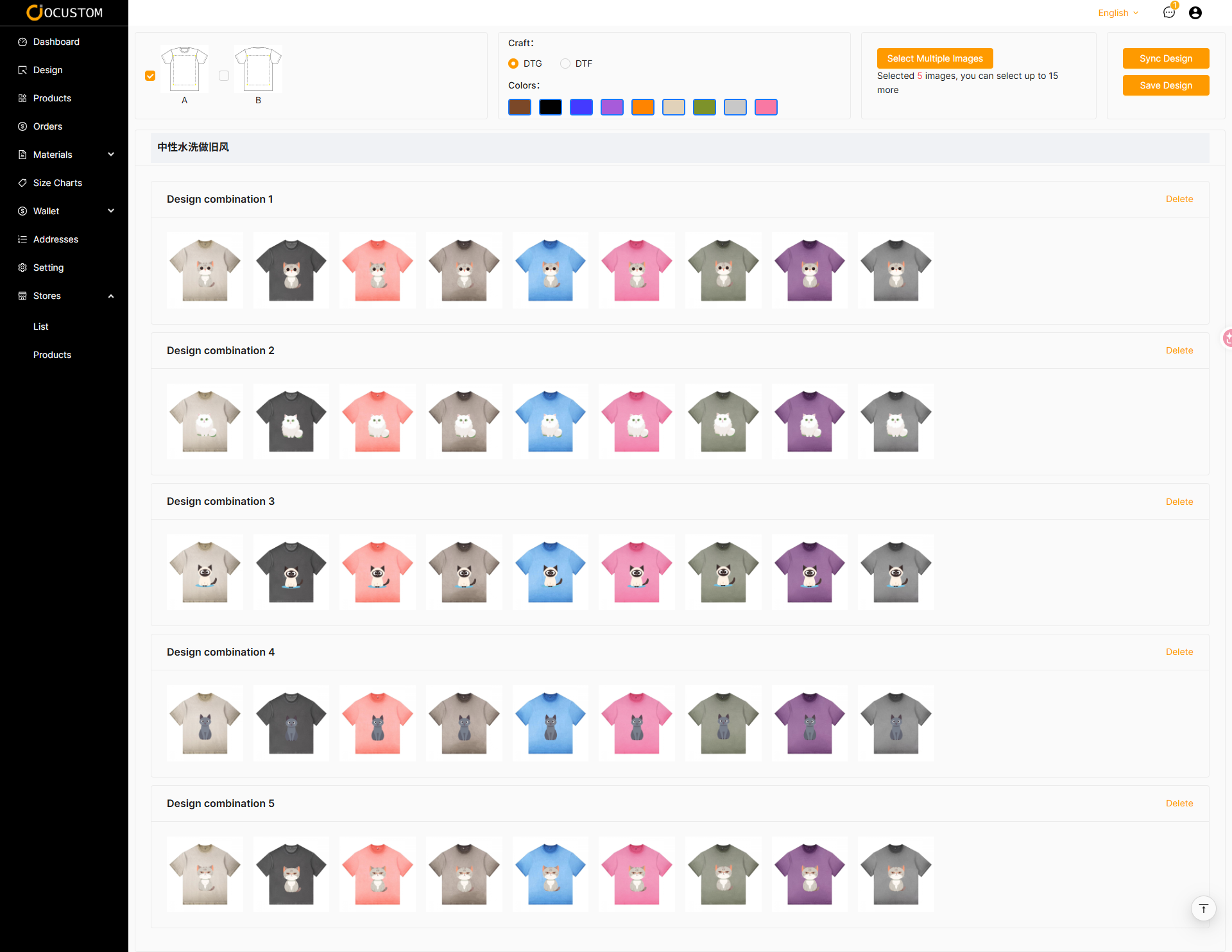
You can modify the layers and selected colors, then click “Sync Design”
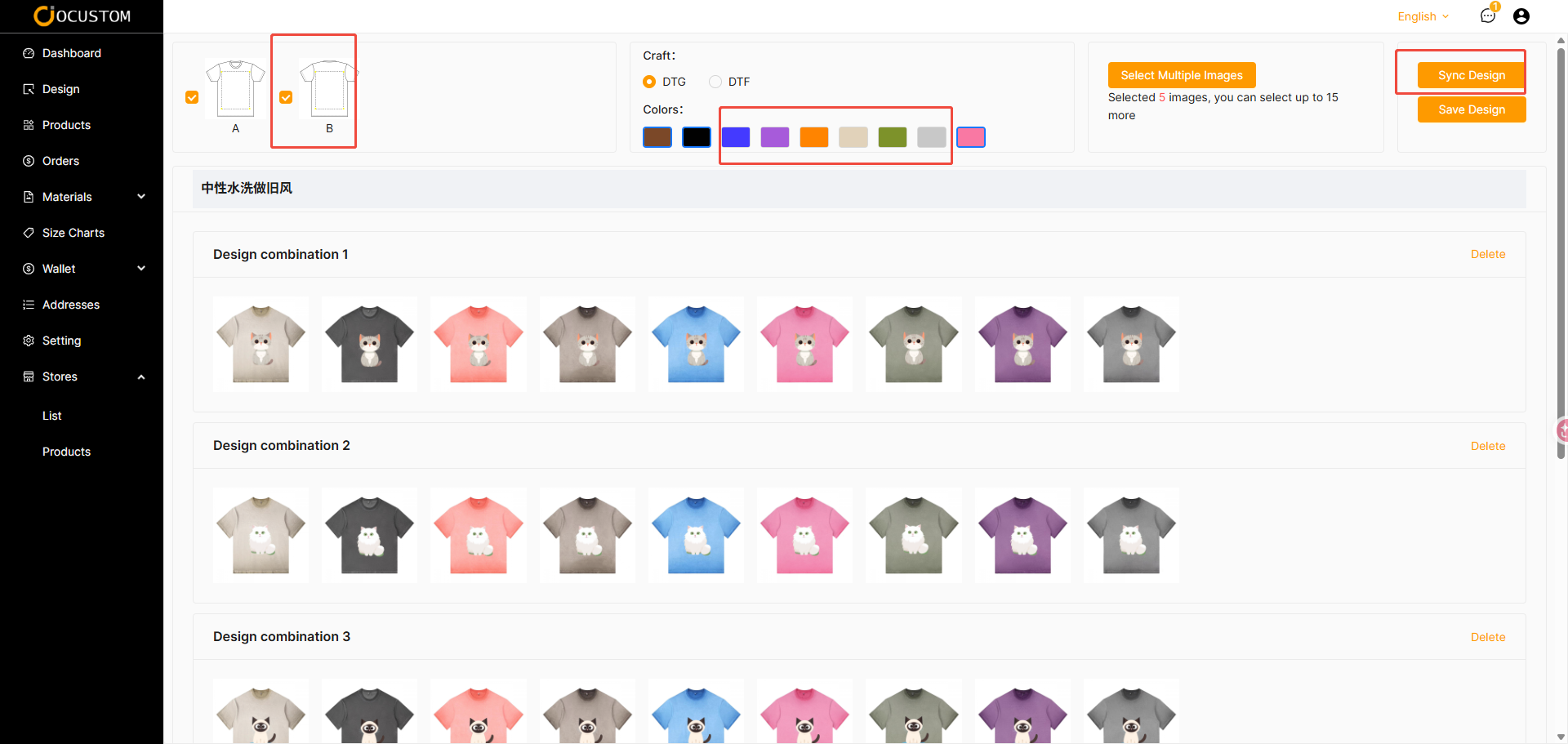
The system will regenerate the design mockups based on the previously selected assets, layers, and colors
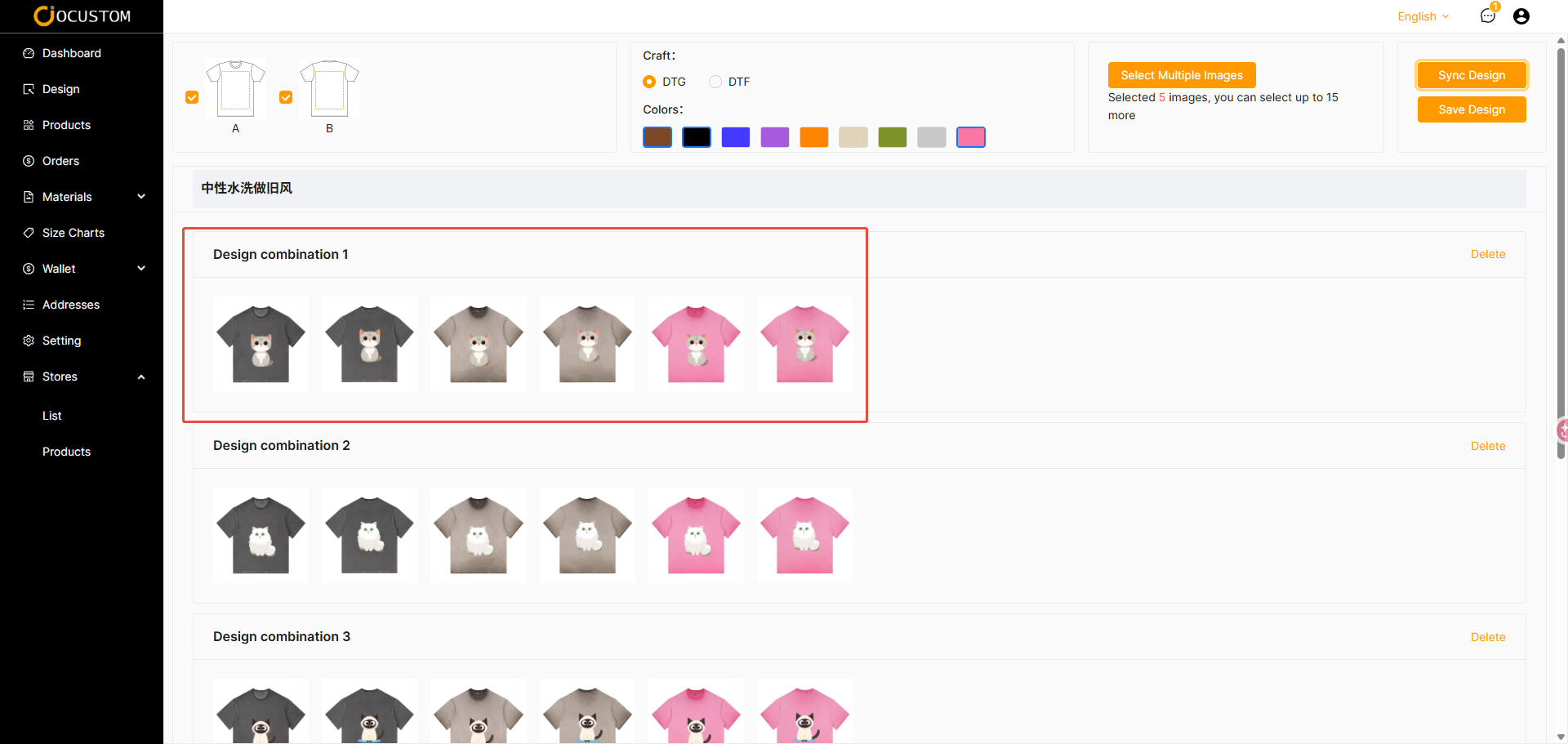
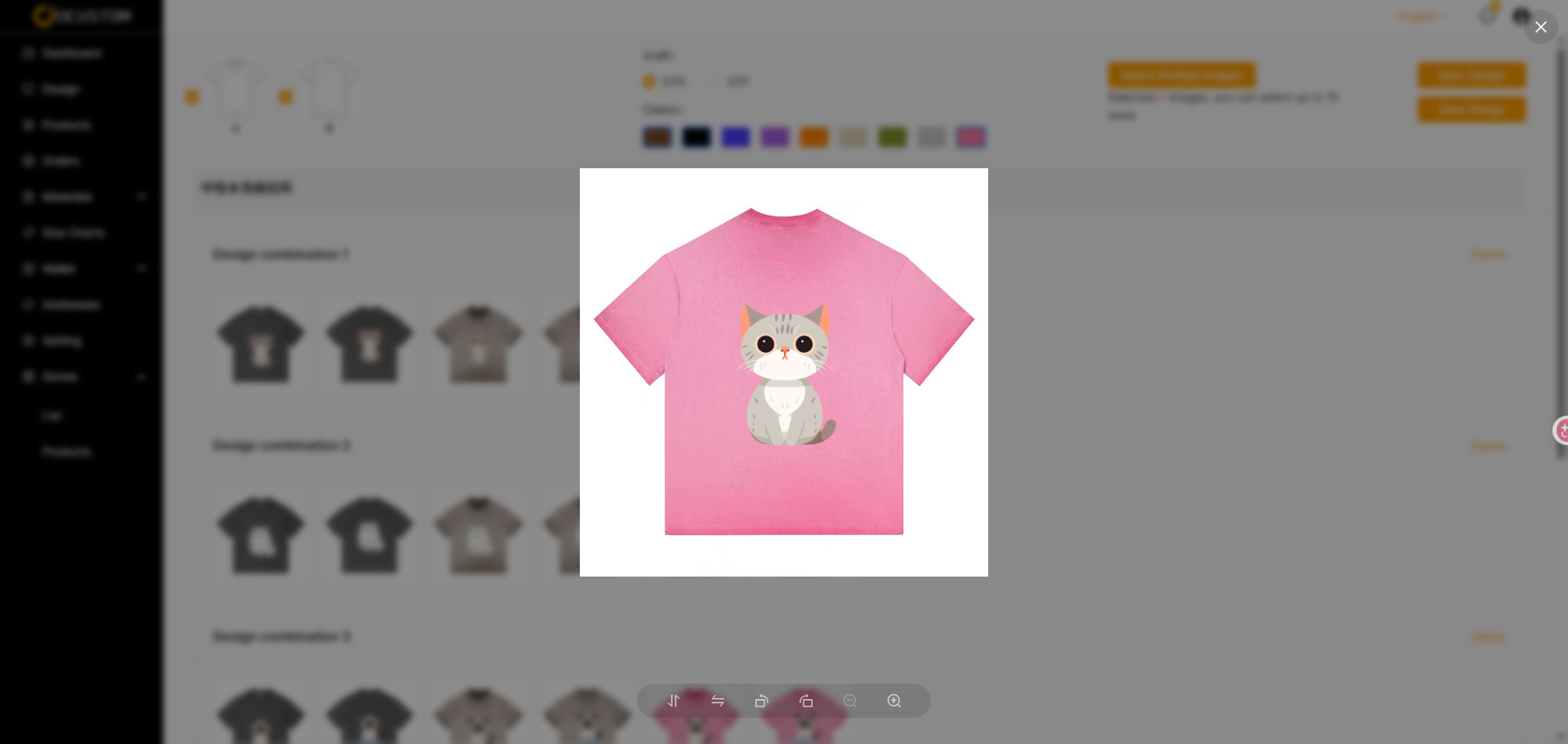
You can view a full-size image of the currently generated design mockup
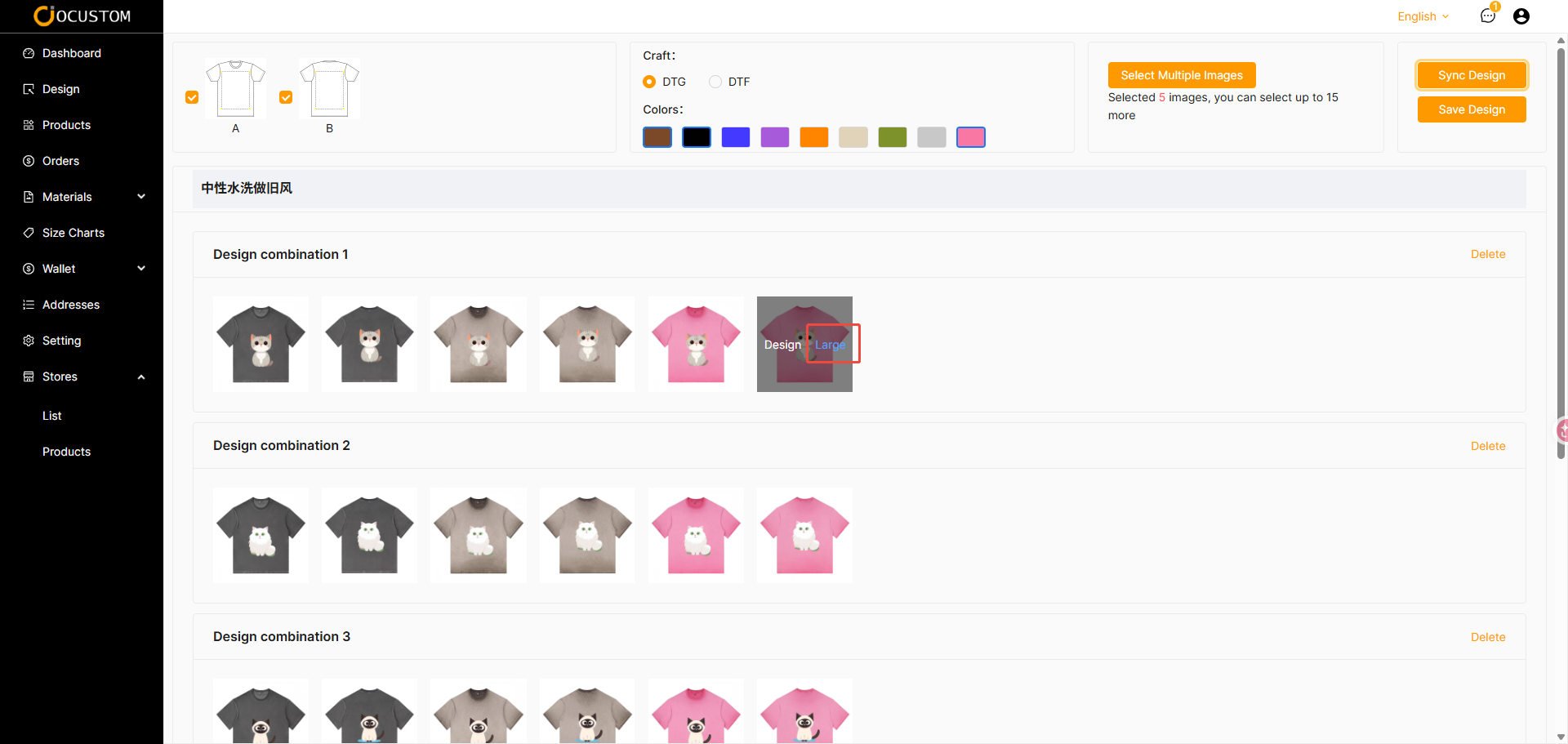
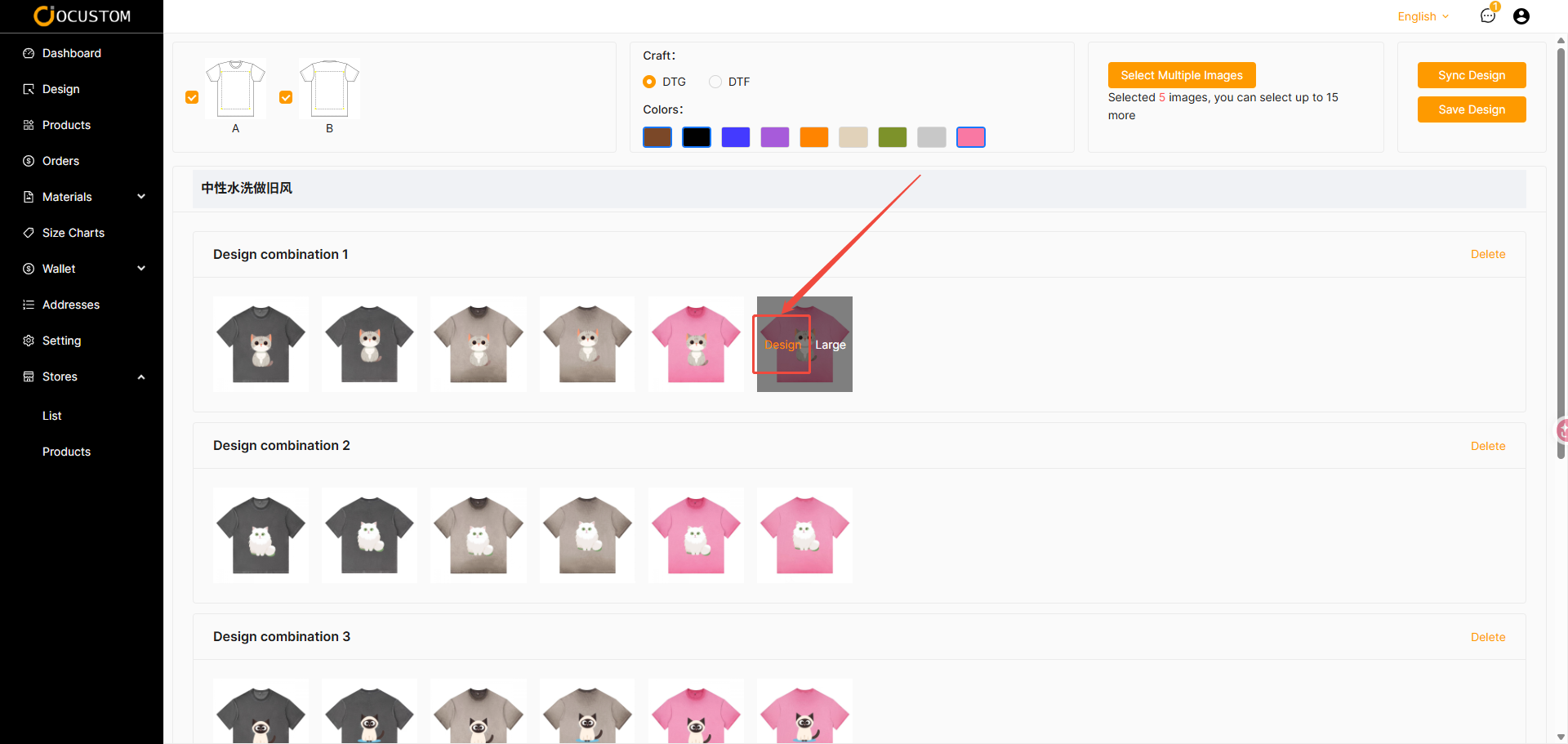
If you are not satisfied with the current automatic design, you can modify it
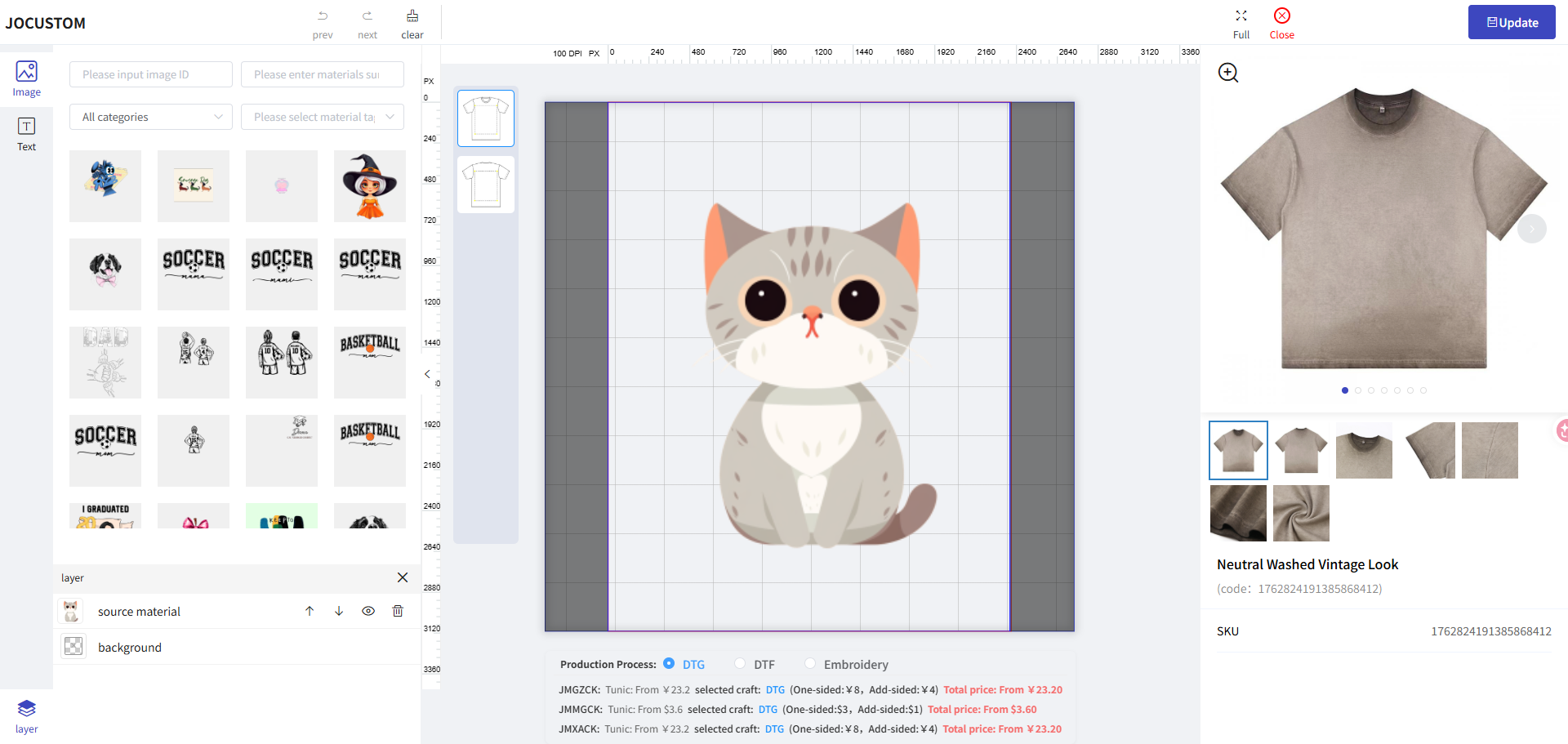
Click “Save” to update the modified design
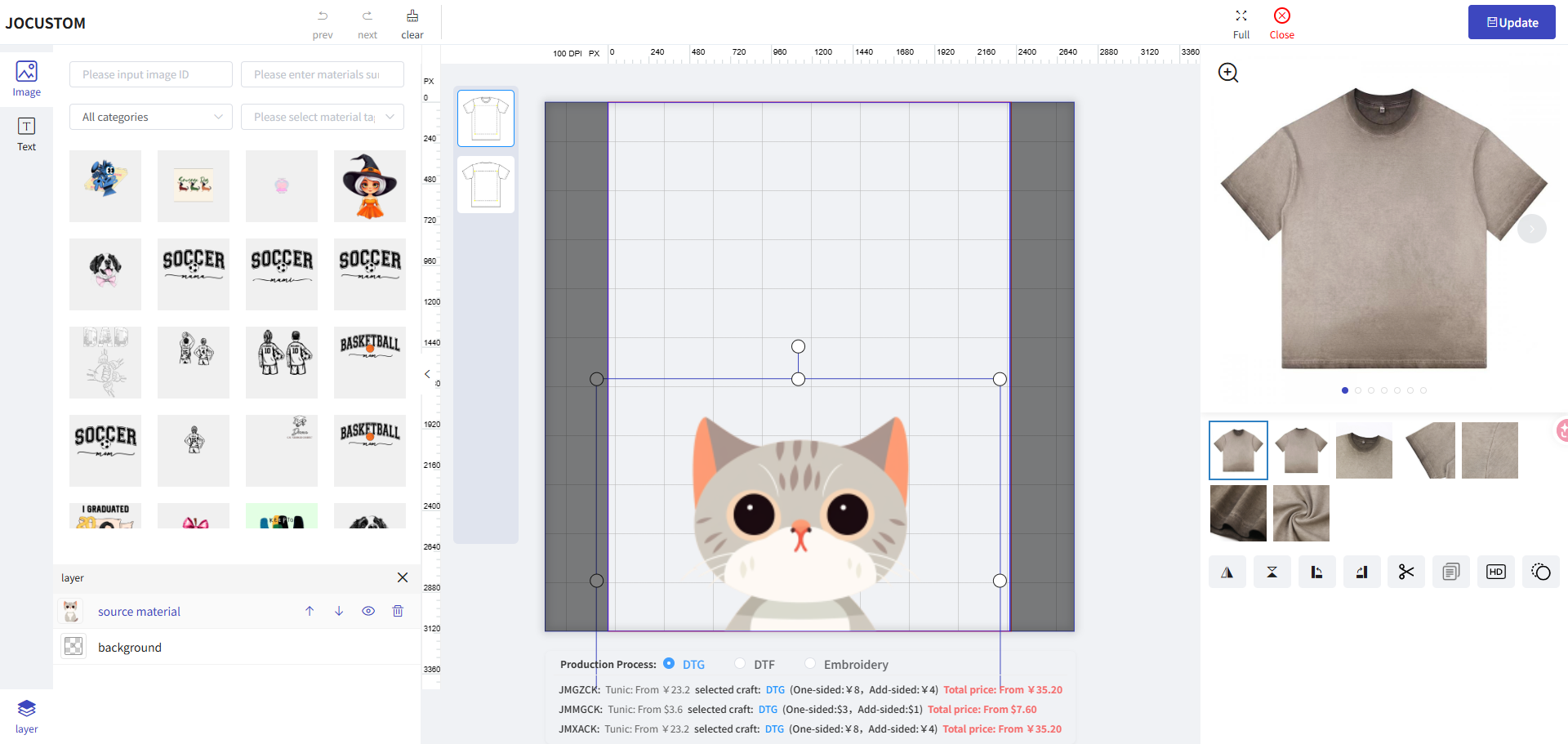
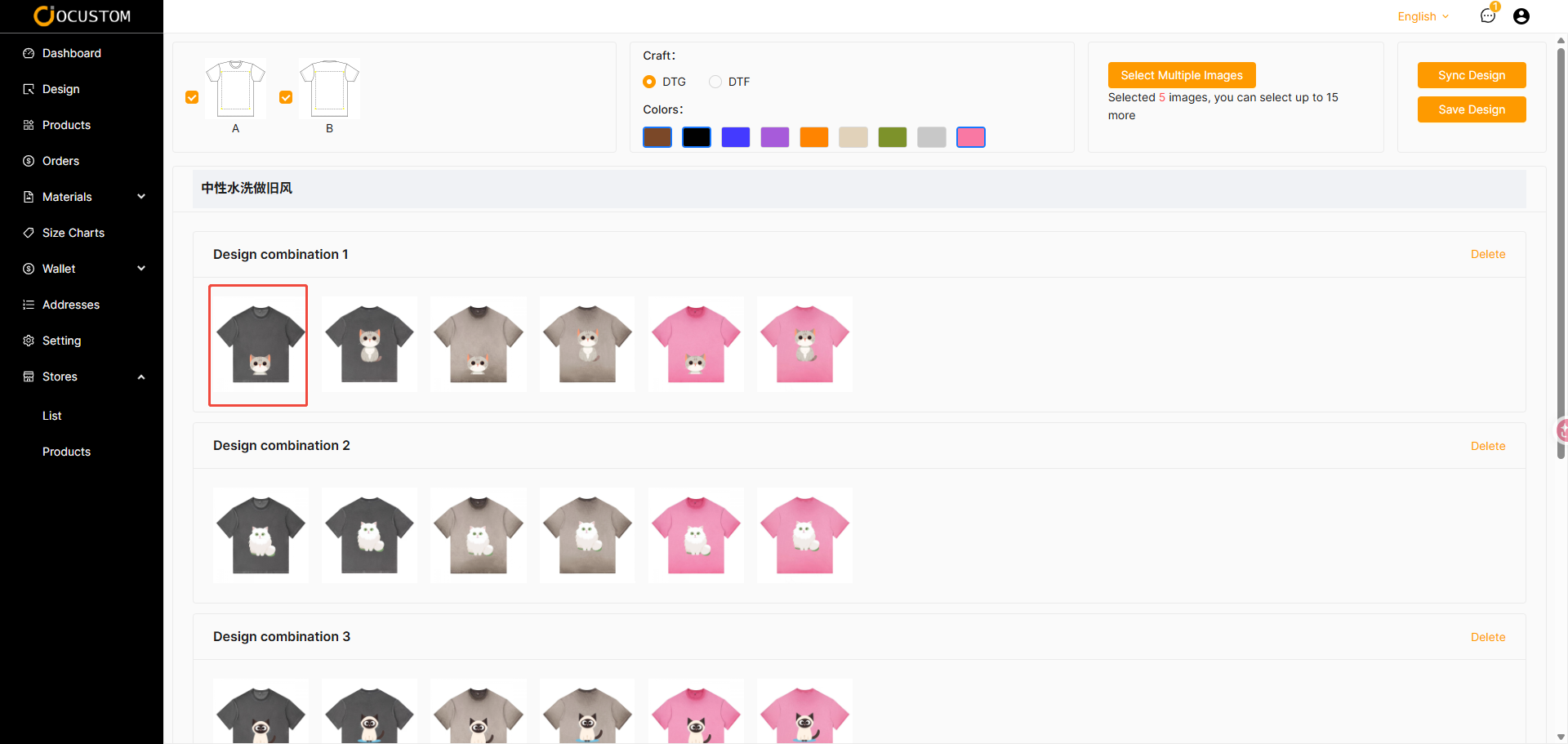
Modifying a design will not affect the designs in other groups
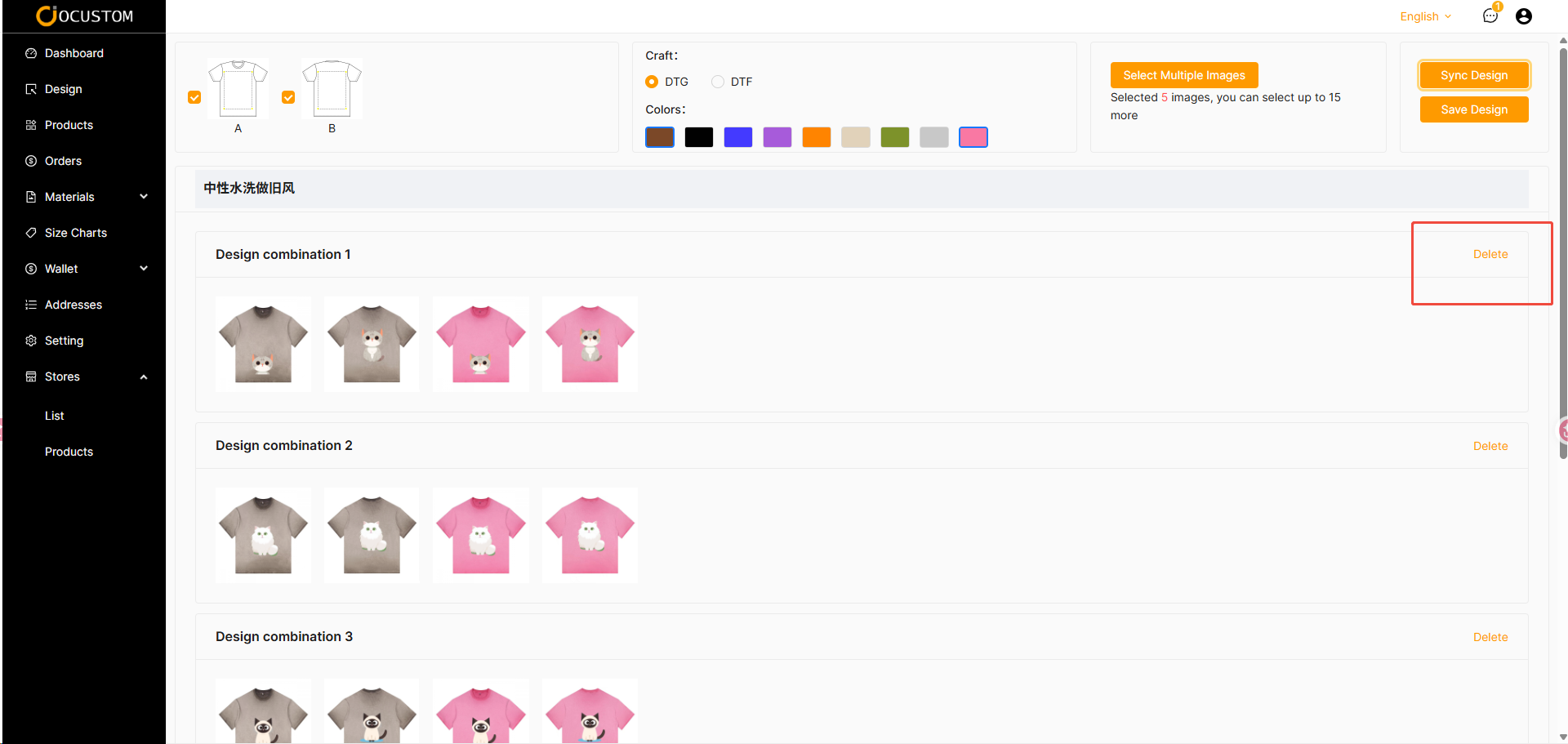
If you are not satisfied with the automatically generated design, you can choose to delete it
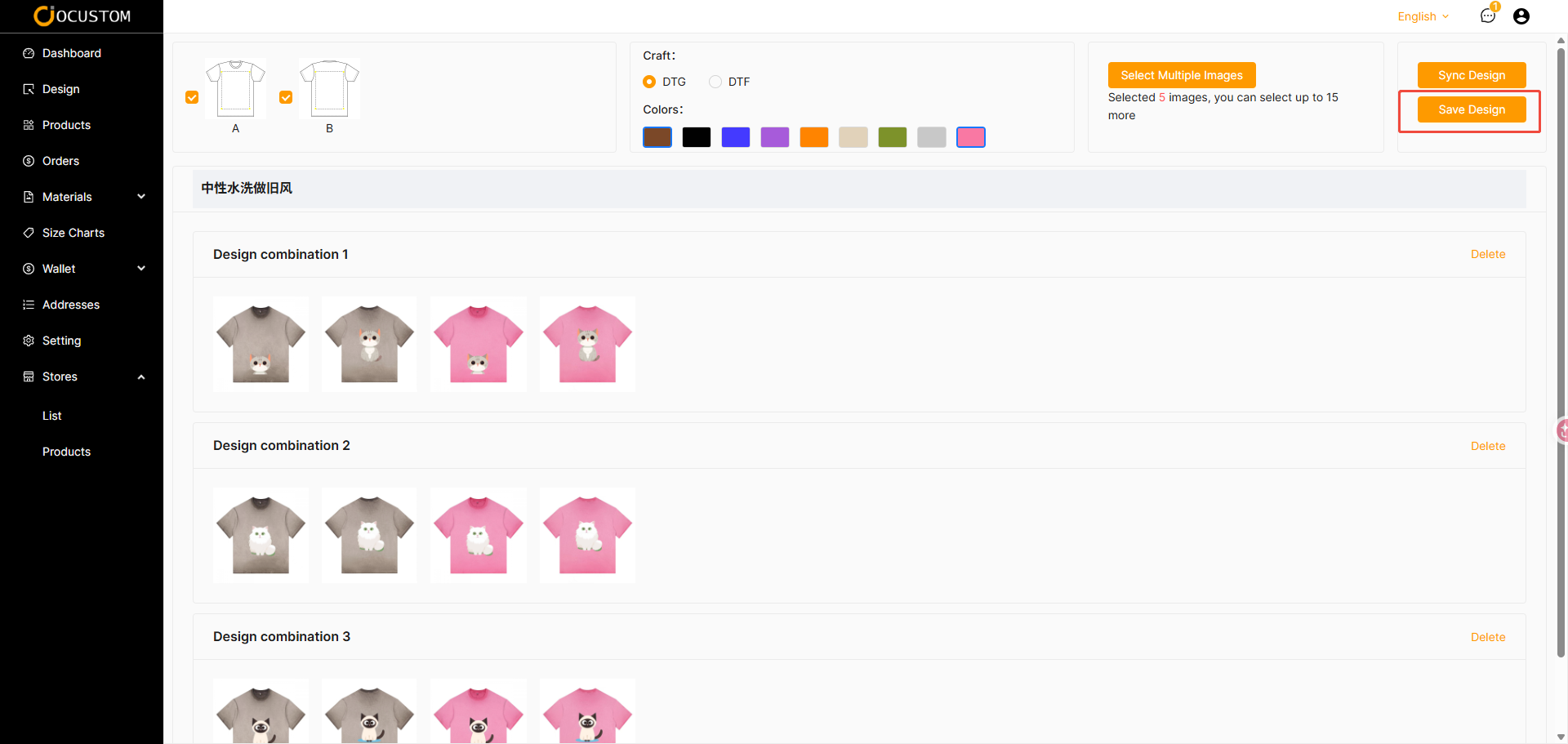
Clicking the “Save Design” button will automatically save the design you created
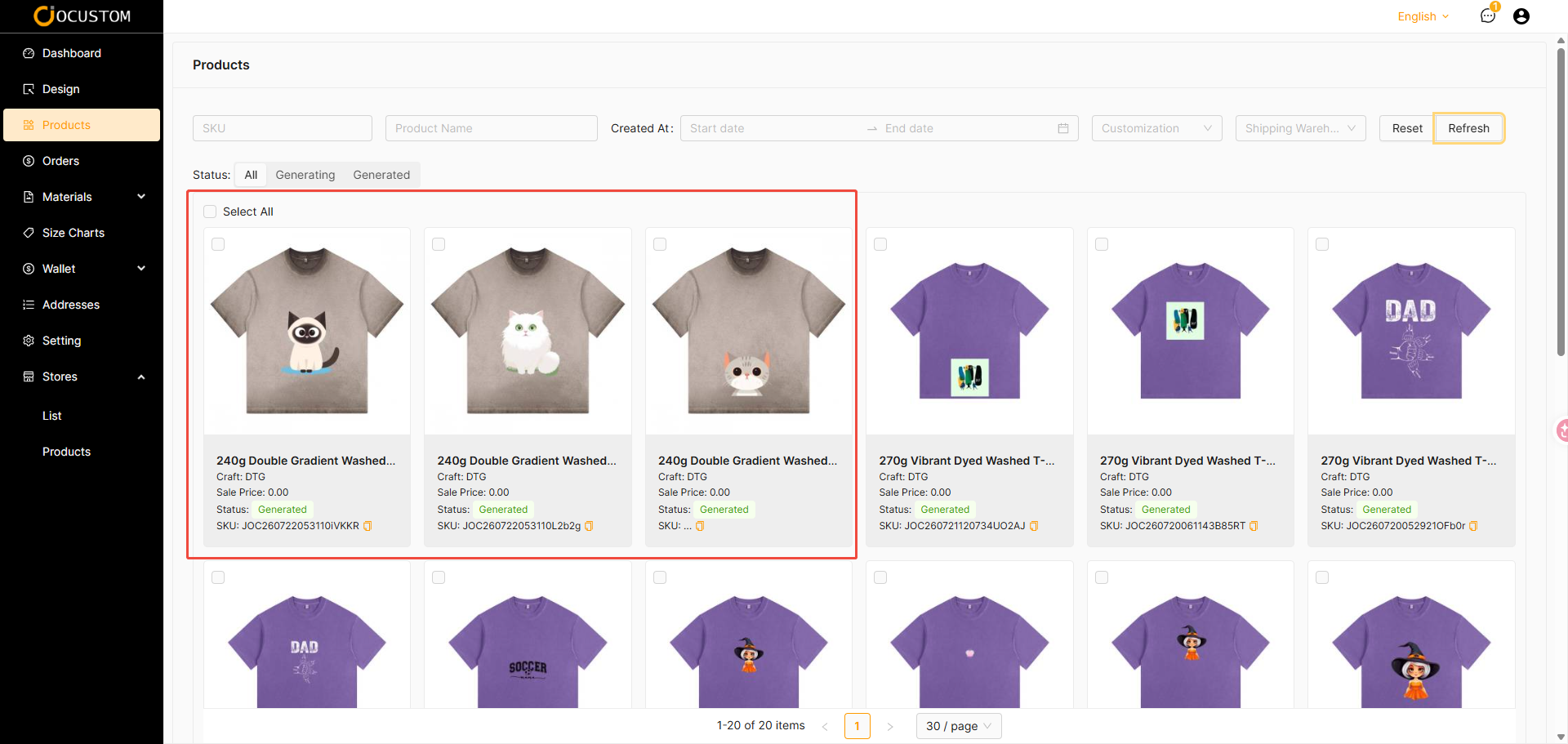
You can go to the base product list to view the products generated based on the batch design information
TIP
Great job!! You’ve now learned how to use batch customization to generate your base products. Go ahead and import these products into your store to complete your order.