Order Import
Provide one-click data migration for independent store orders, converting online sales orders into production orders via file import to establish an end-to-end digital workflow from customer order placement to product delivery.
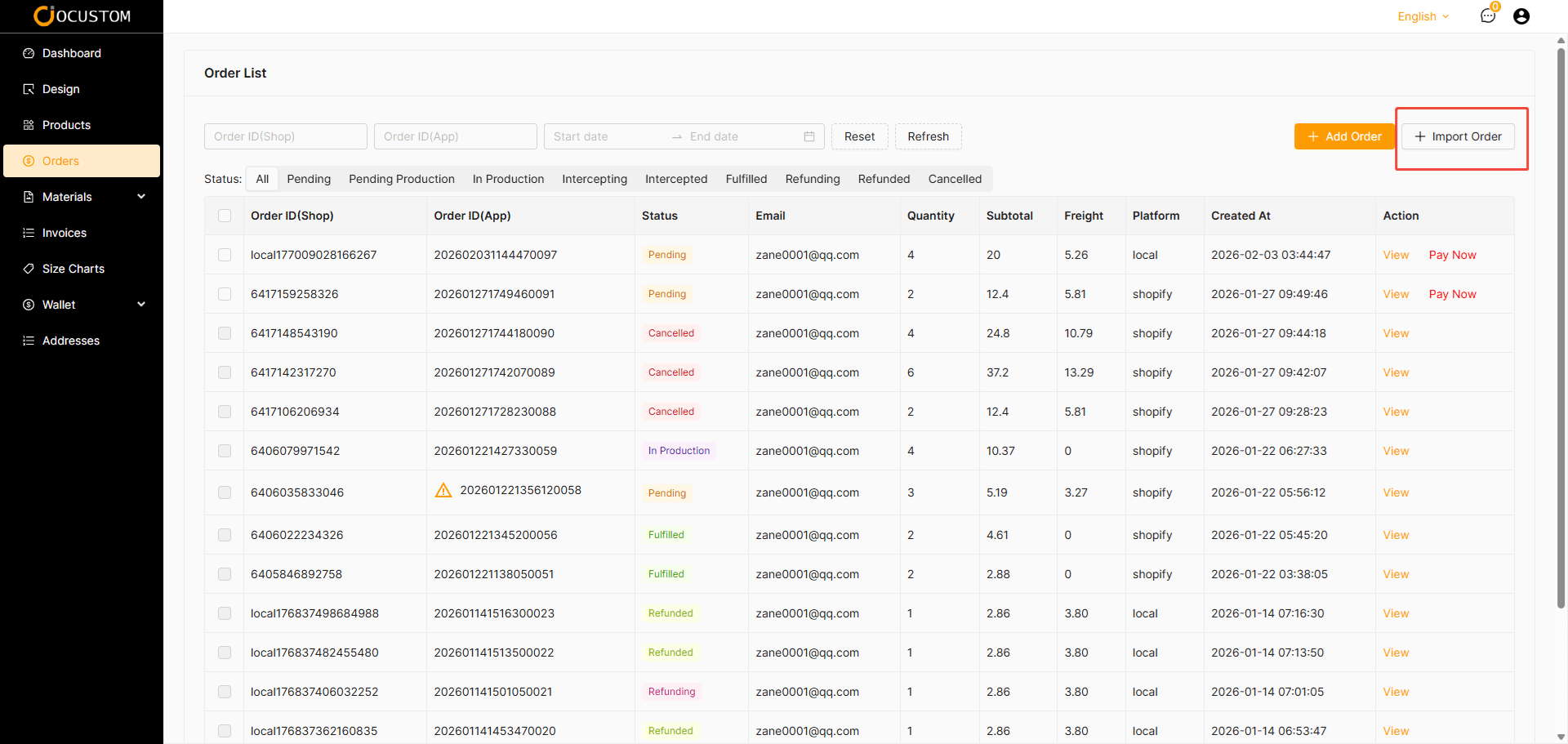
Click the Import Orders button
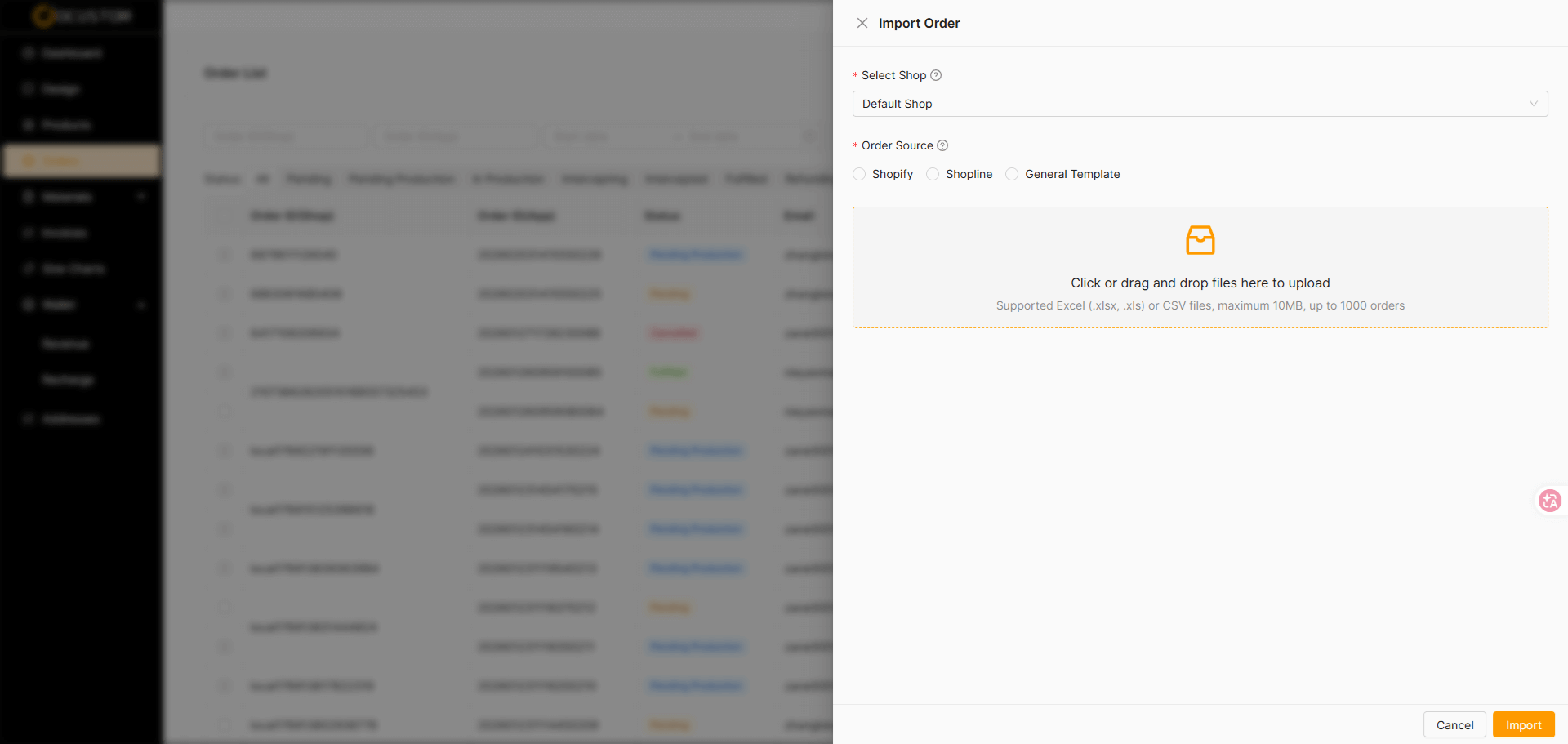
Select the store, order source, and upload the order file.
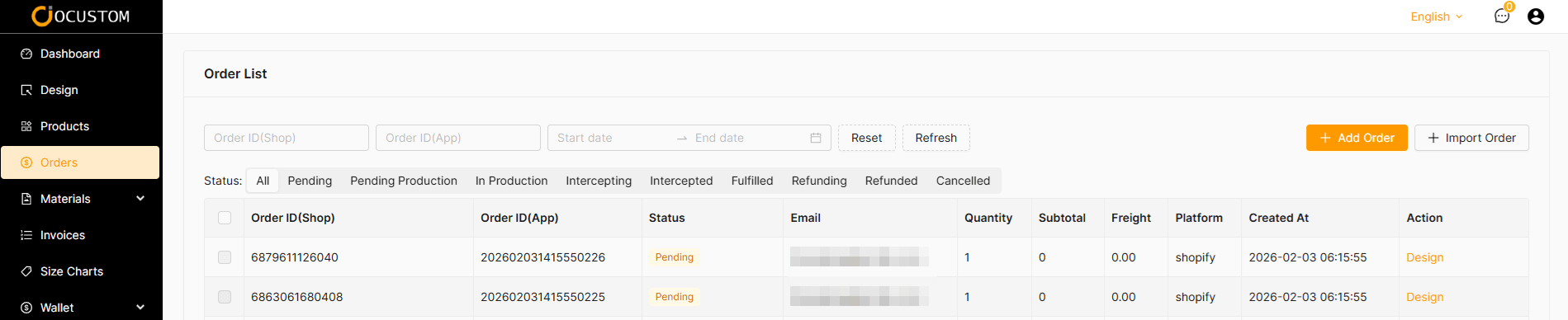
Order upload complete. Click the Design button.
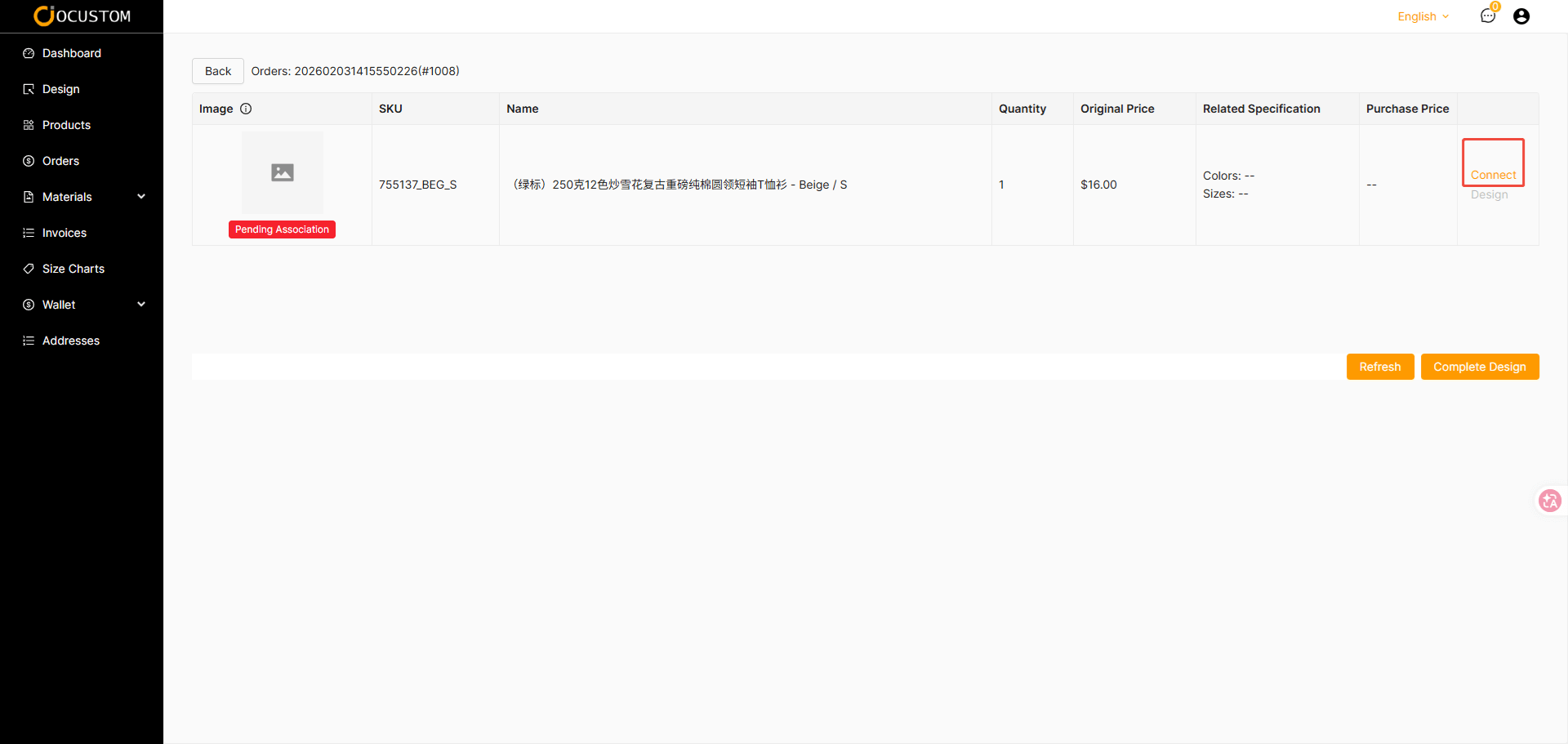
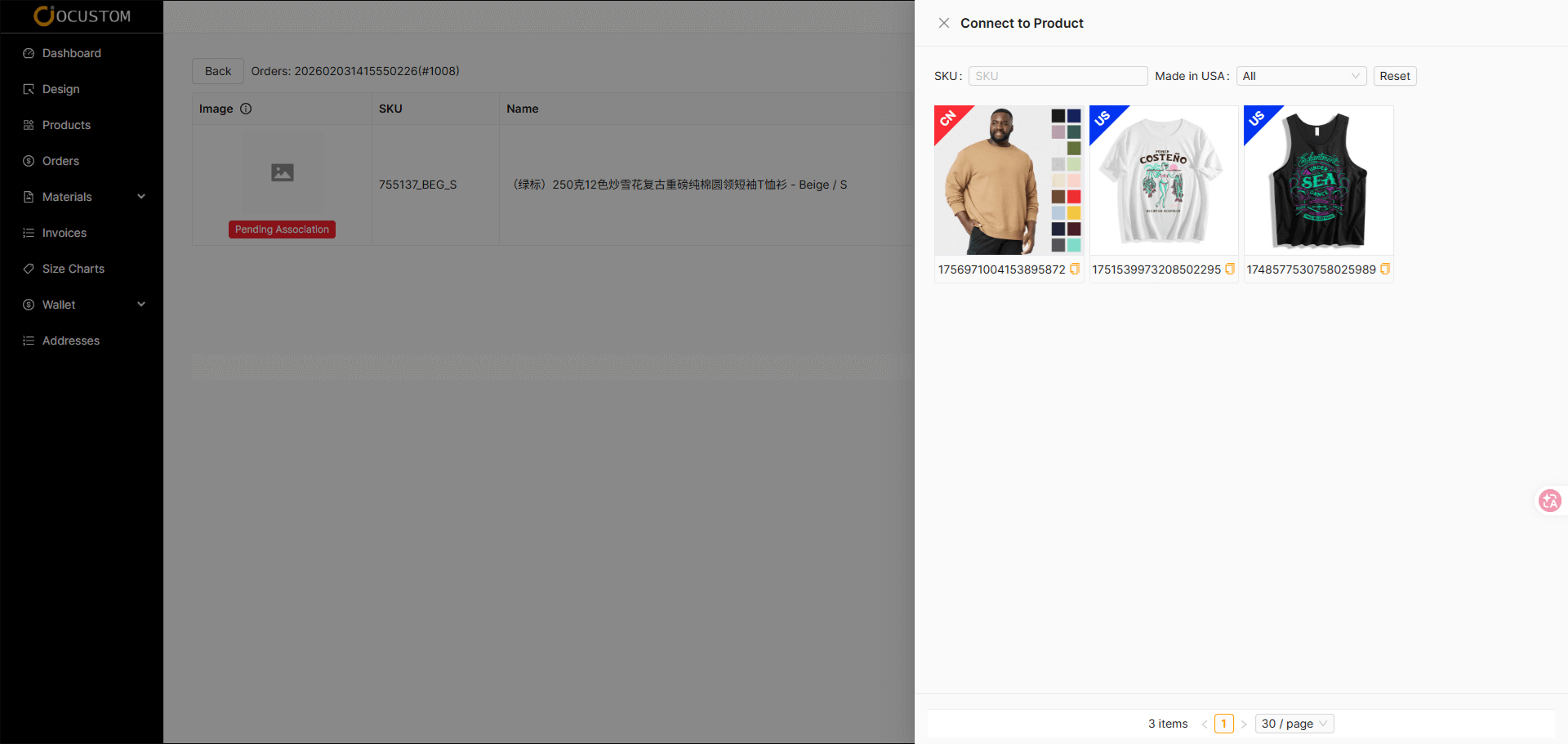
Click the connect button to open the template information.
Select Basic Template
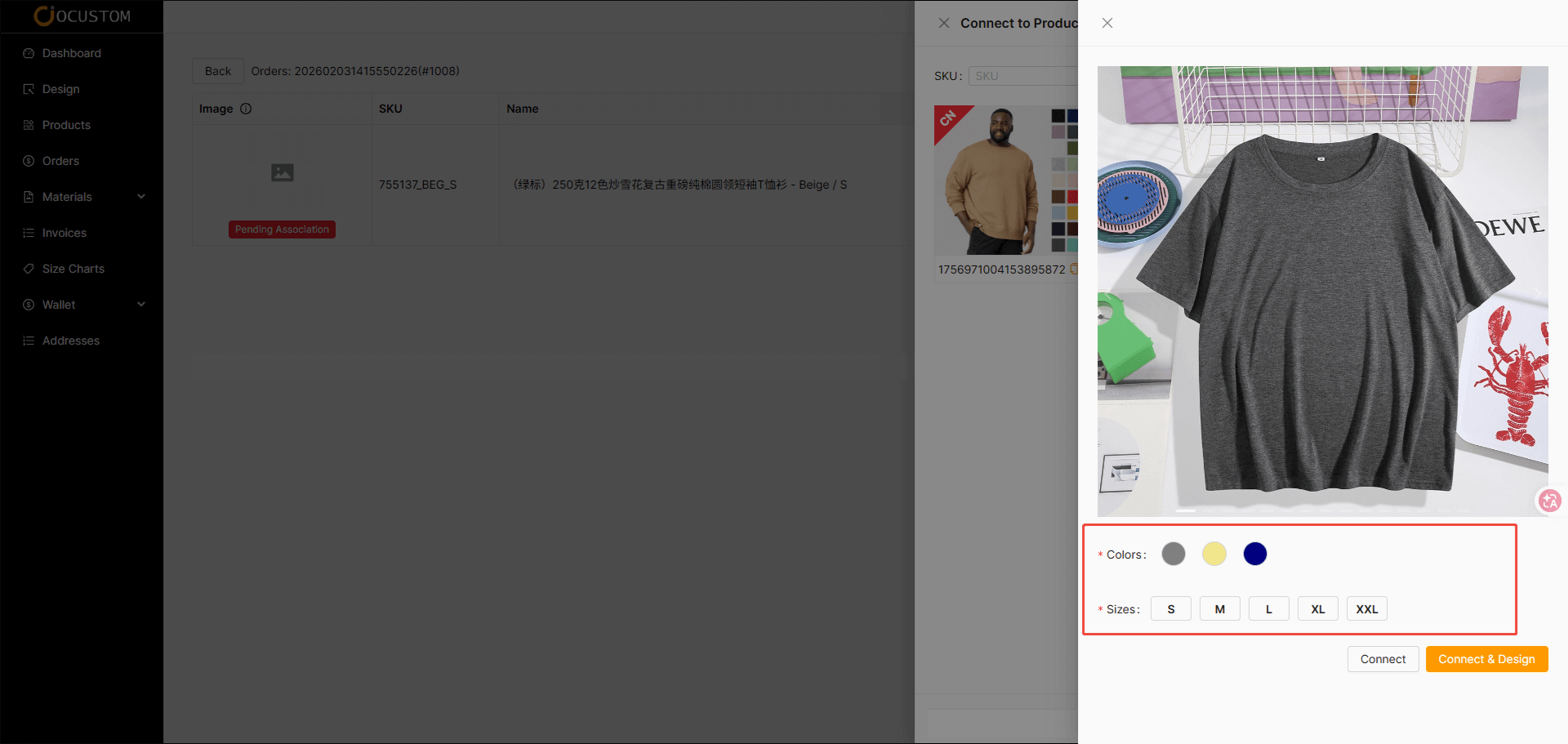
Select Variant (Color, Size)
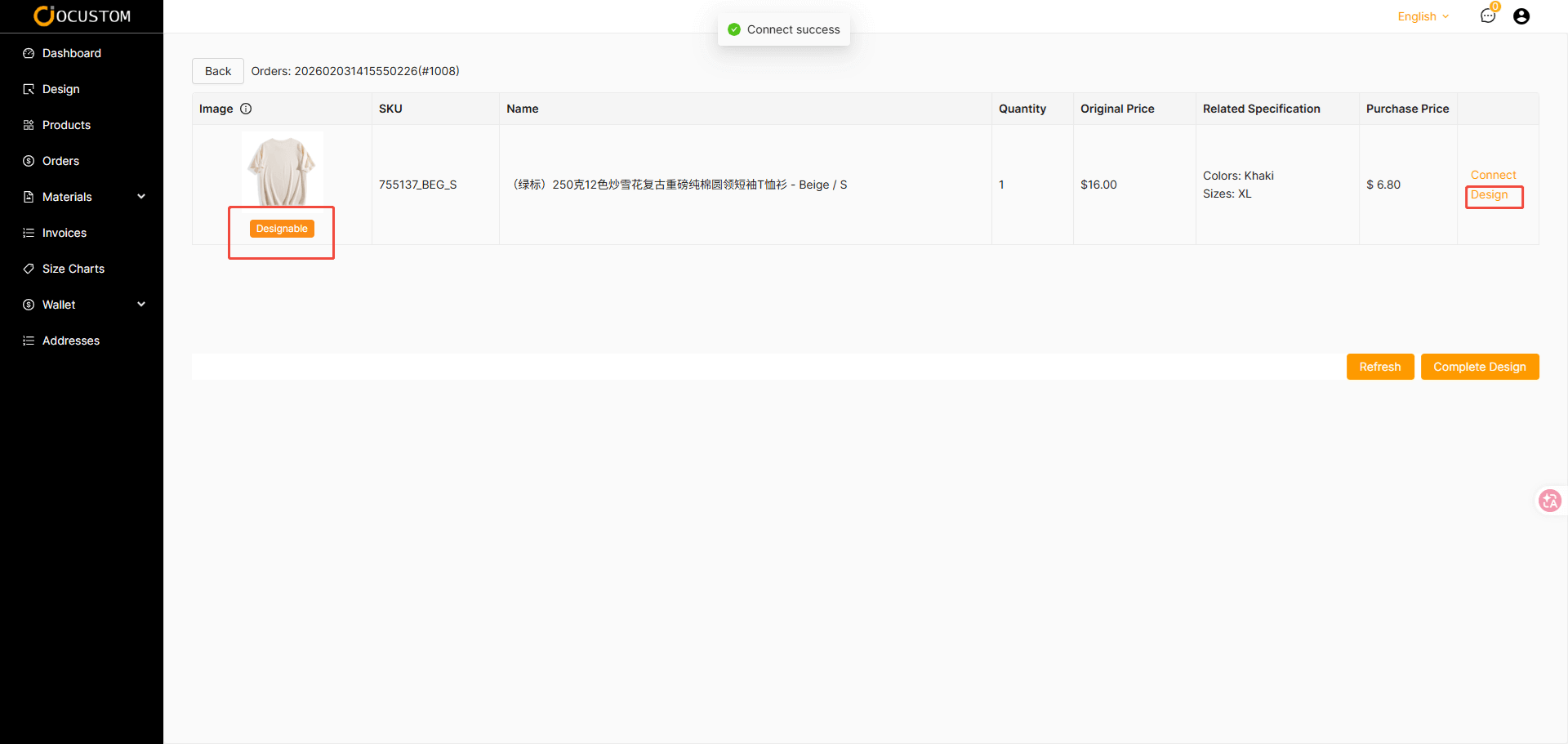
After connecting template is completed, the list appears as pending design.
TIP
If you do not proceed with the design and directly click the “Complete Design” button, the system will assume you are purchasing a blank garment.
After the design is completed
TIP
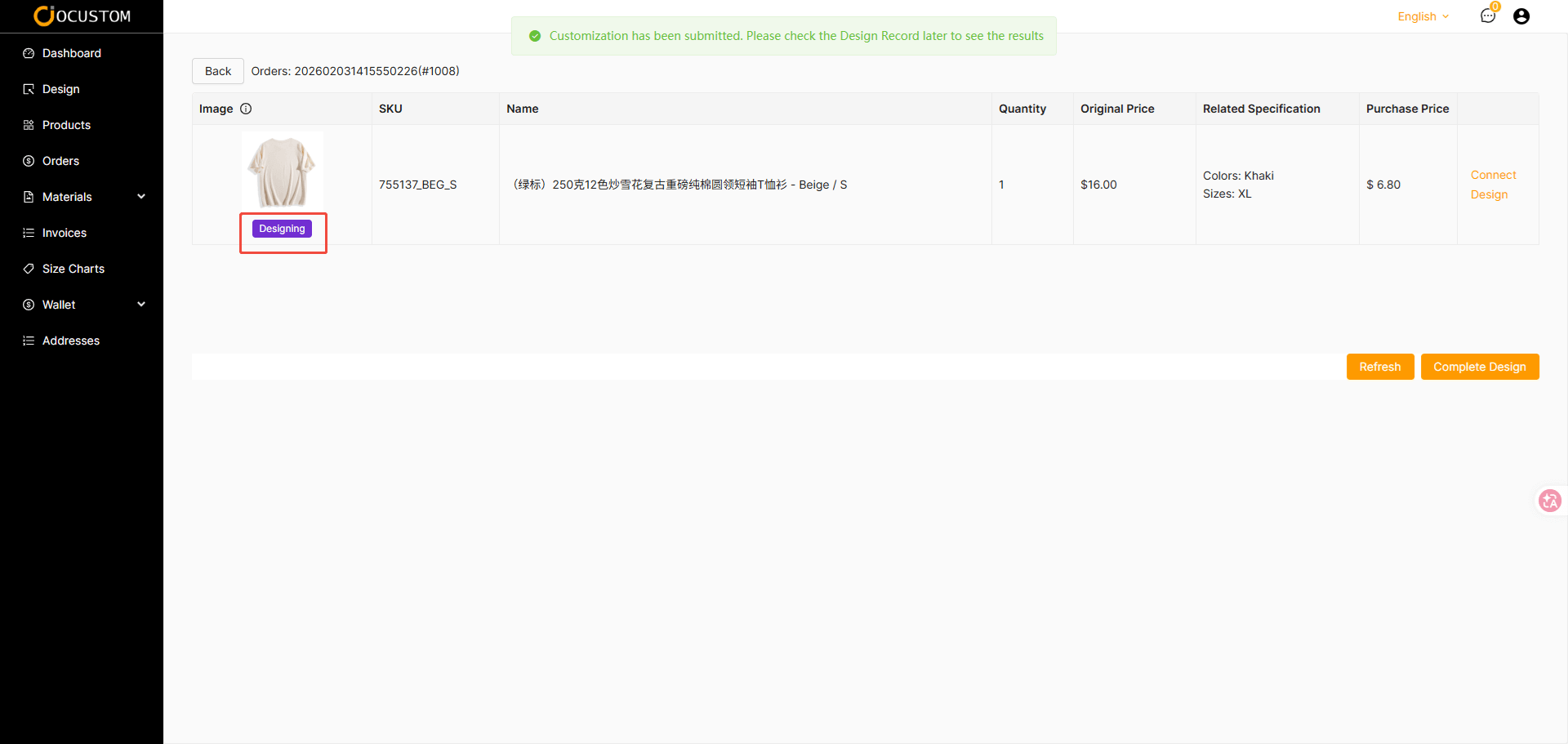
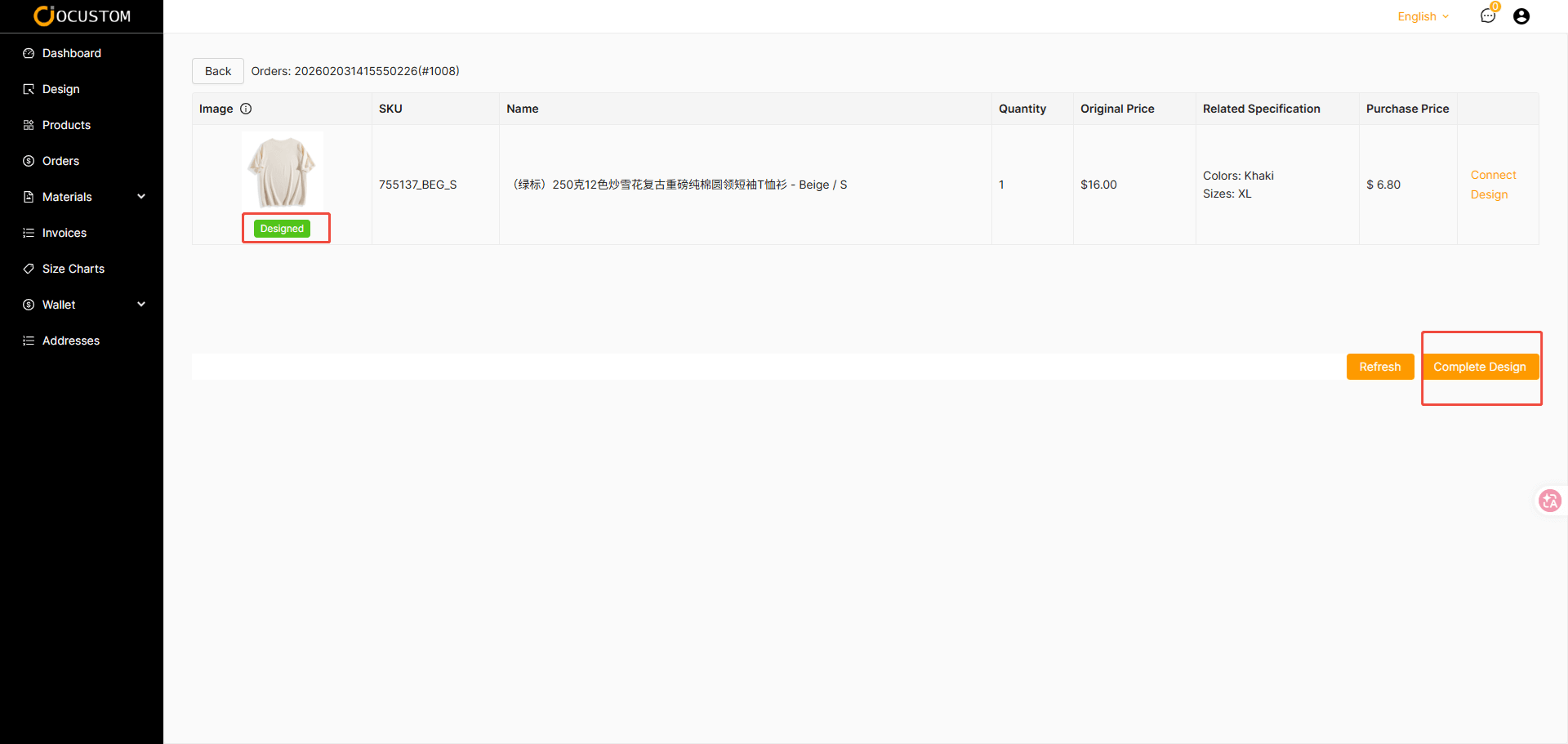
The system background thread will generate the product renderings. The status will update to “Designing.” You can click the refresh button to check the product generation status.
Product generation successful
TIP
Once the product is successfully generated, its status will update to Designed. You can then click the Complete Design button.
Generate Order
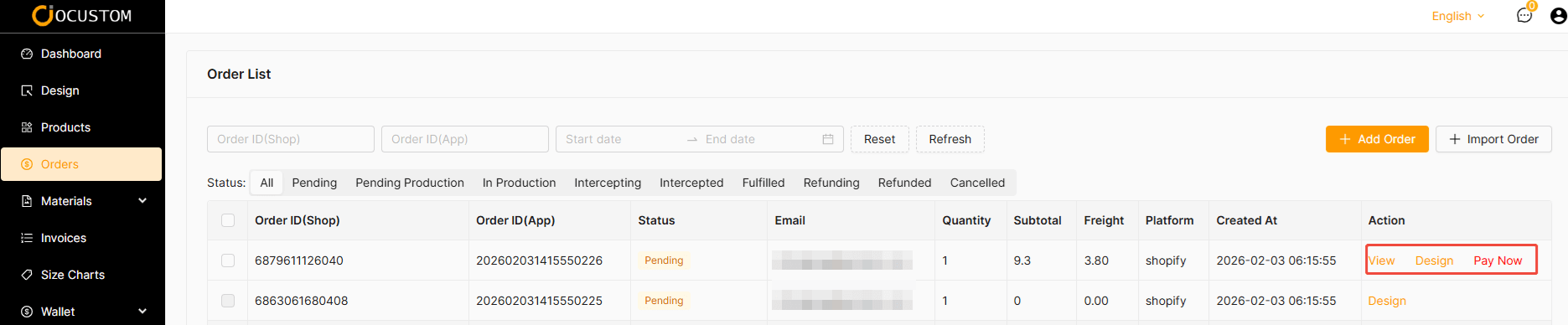
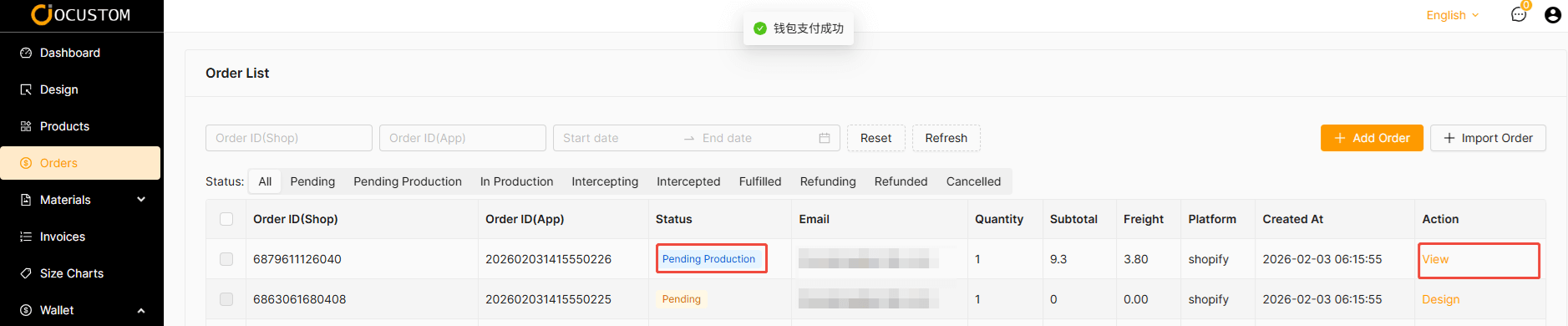
Order Payment
TIP
Orders imported successfully can still be designed, but orders with successful payments can only be viewed.