Manual Order Filling
The system supports direct order generation mode, enabling the entire process from adding to cart to checkout without requiring pre-push of products to the independent site's product catalog.
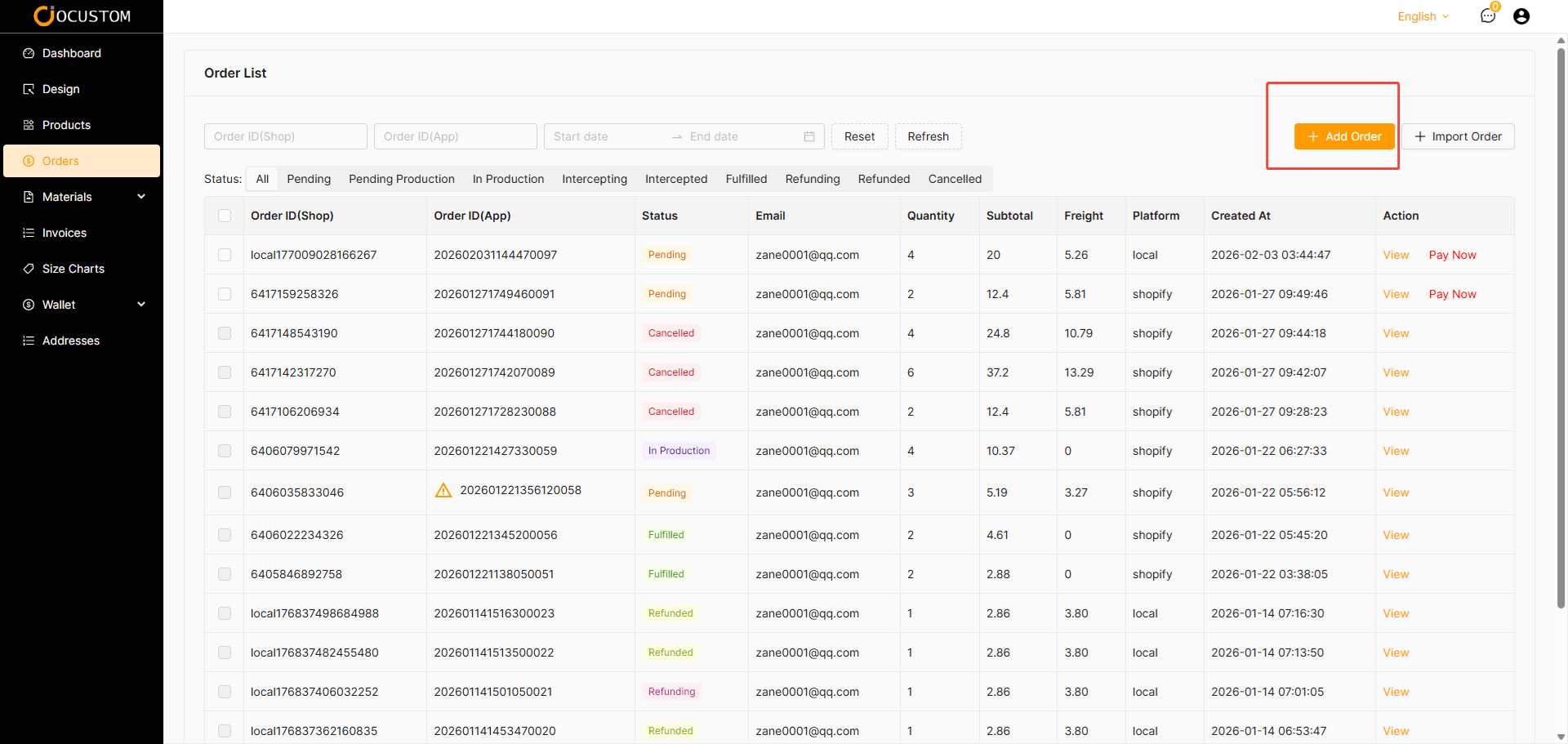
Click the Manual Order Filling button
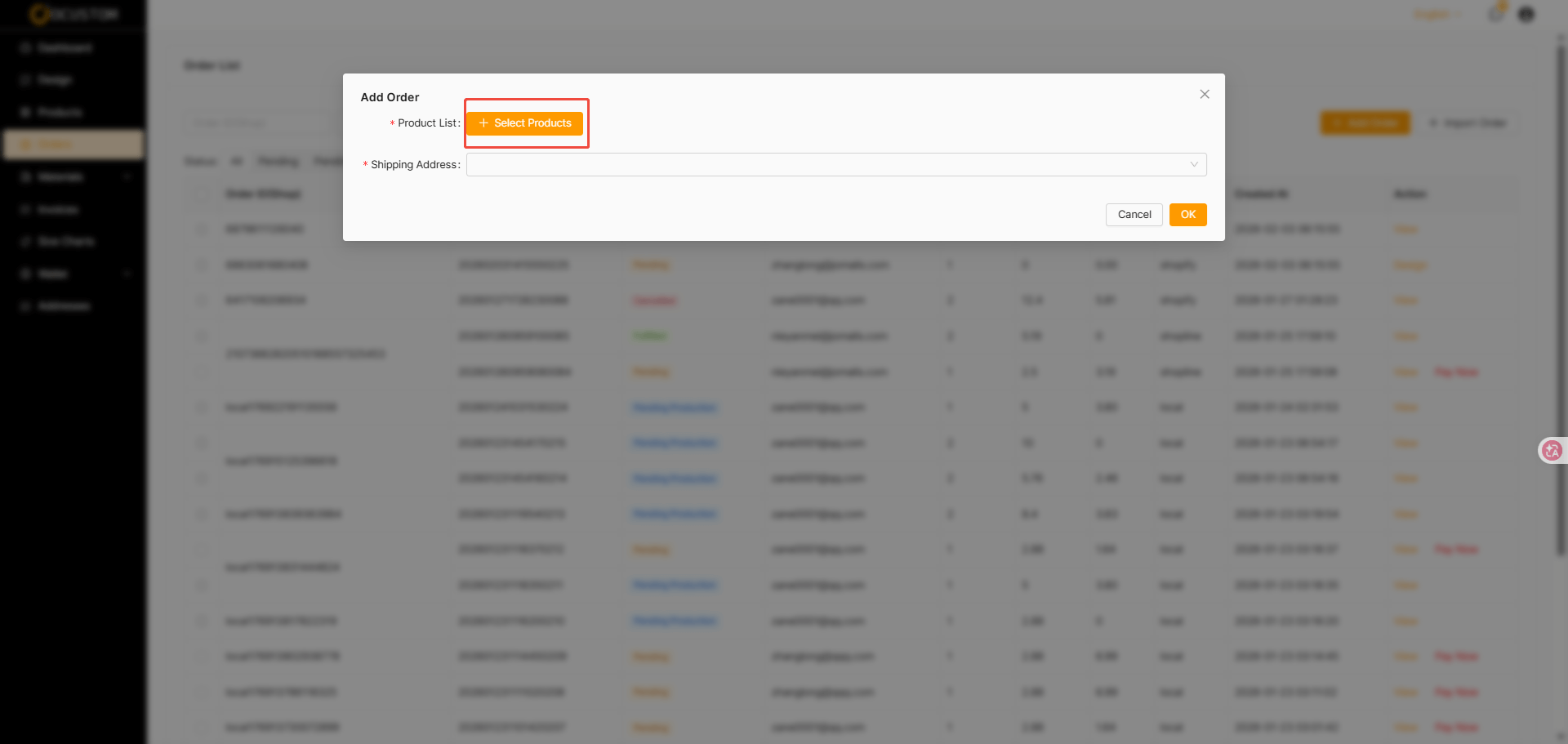
Click the Select Product button
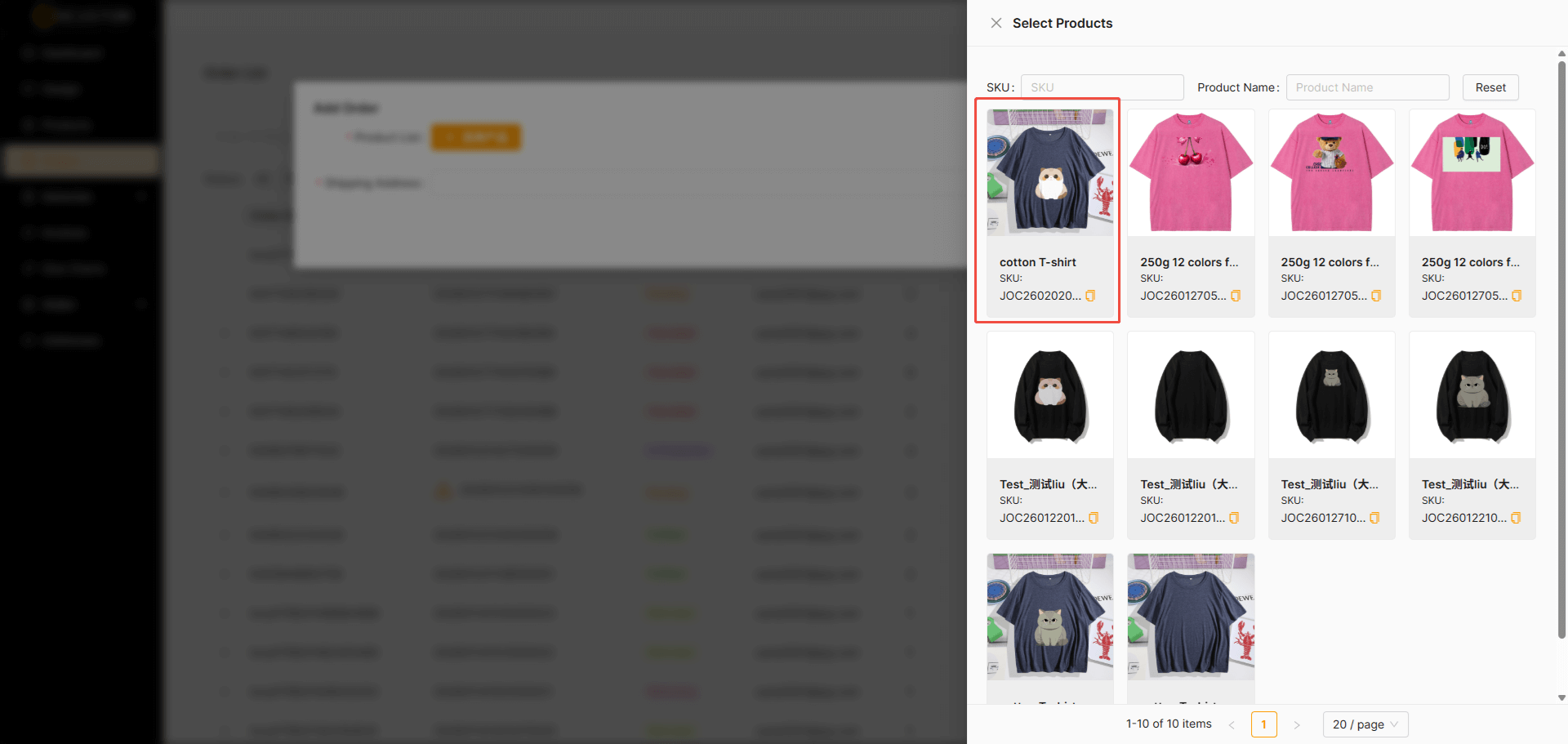
Select A Product
Click a product on the expanded product selection page
Select A Variant
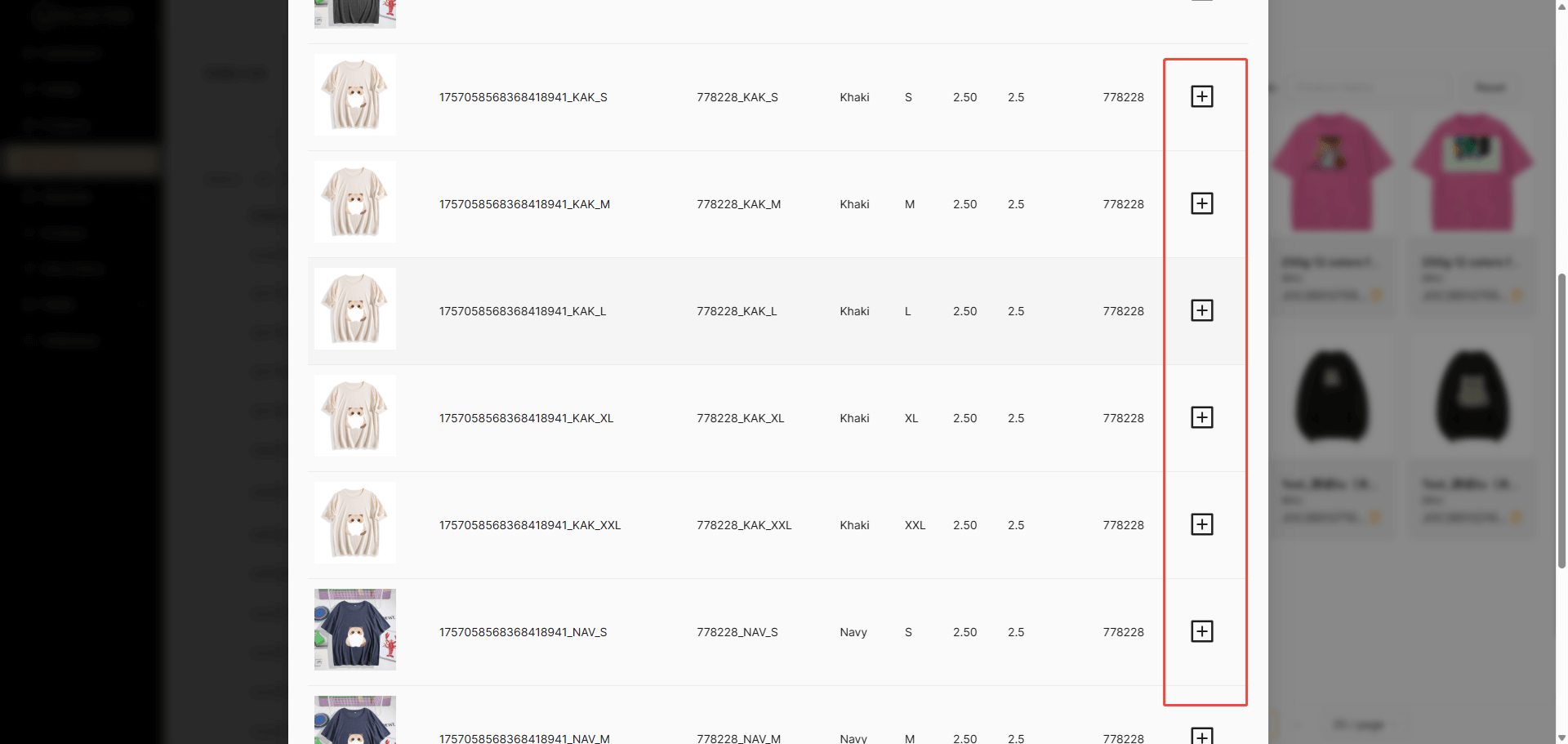
Add the desired product variant to your cart from the opened product variants.
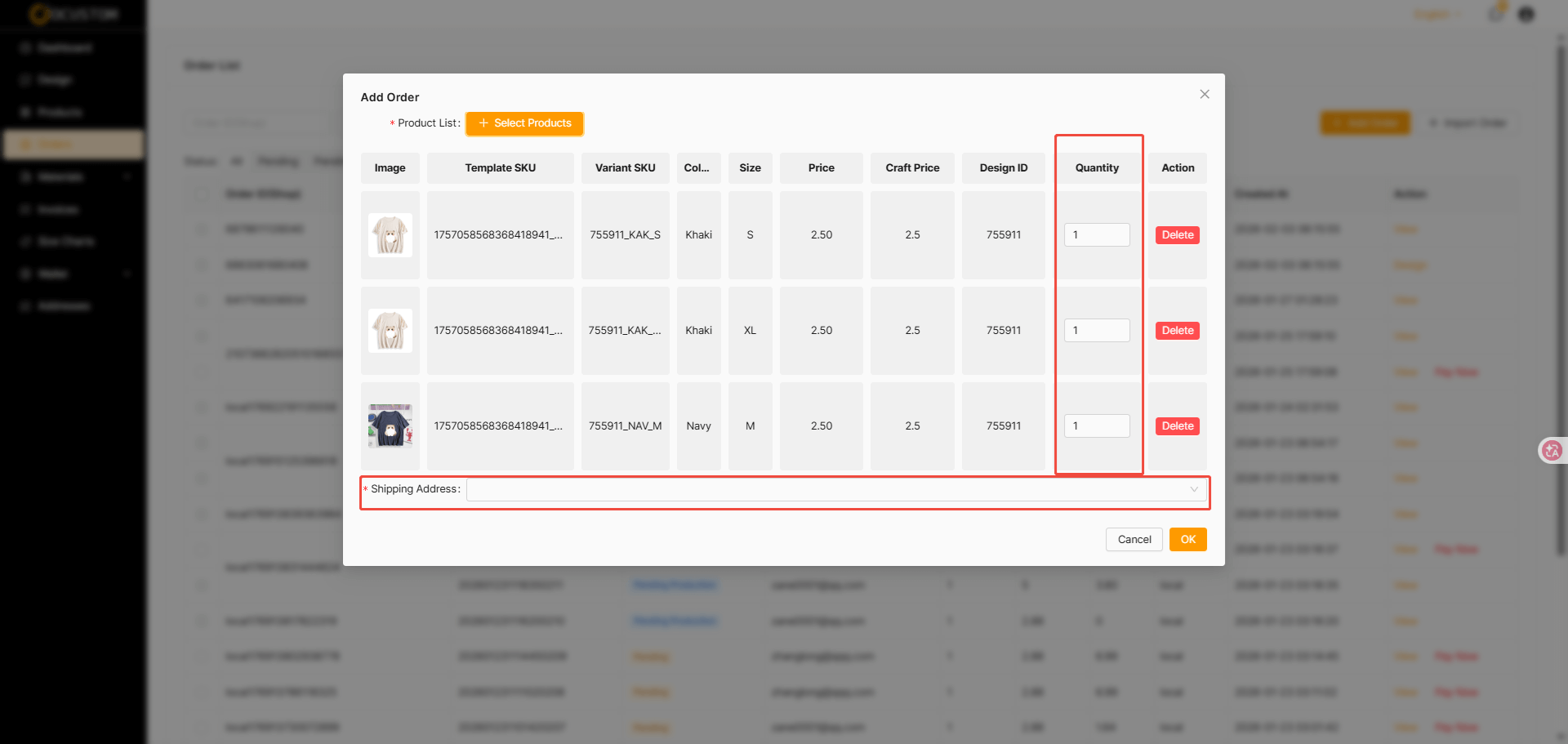
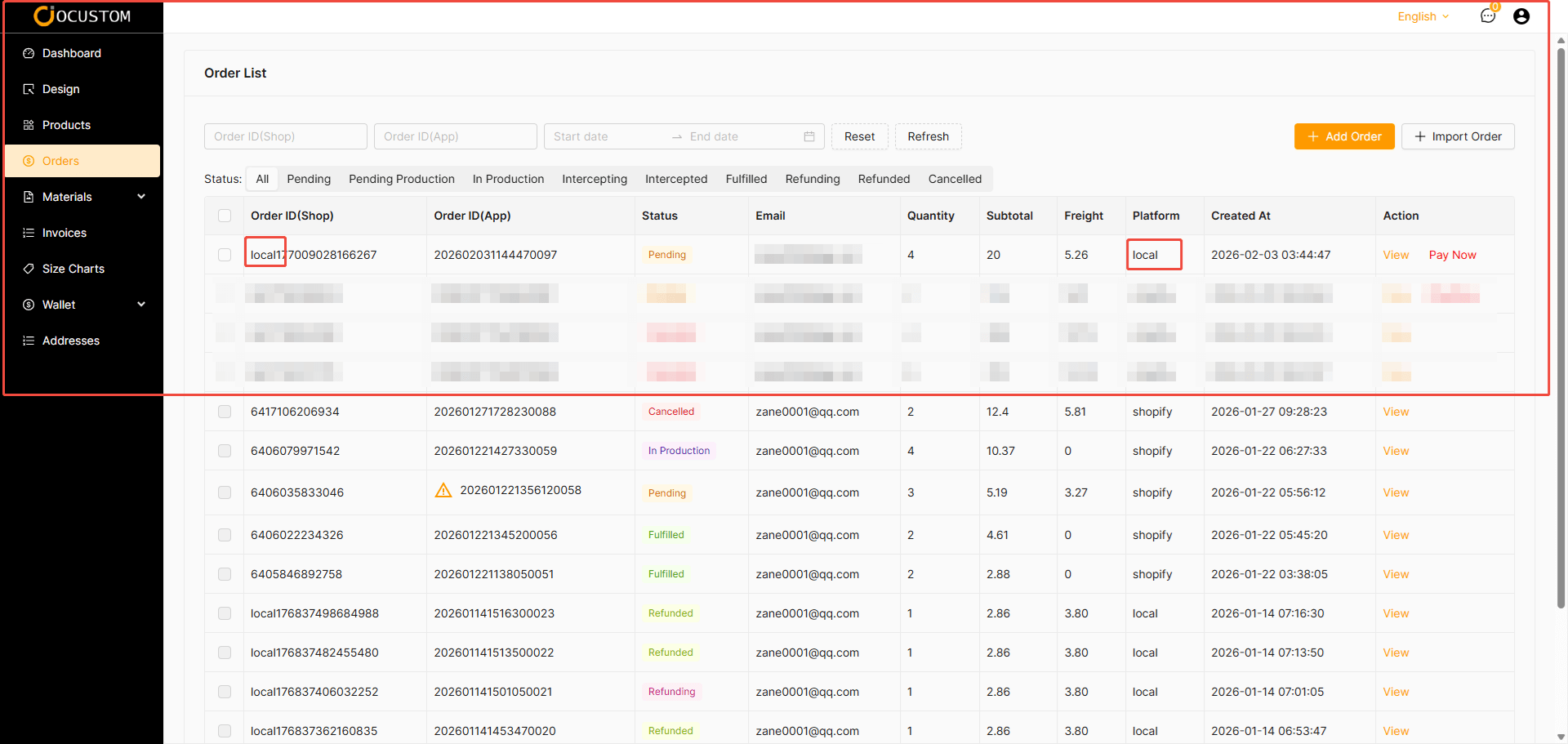
After clicking the Confirm button, a local order will be generated. The platform will display it as “local”.
TIP
Subsequent processing is identical to platform orders.