Store Product Management
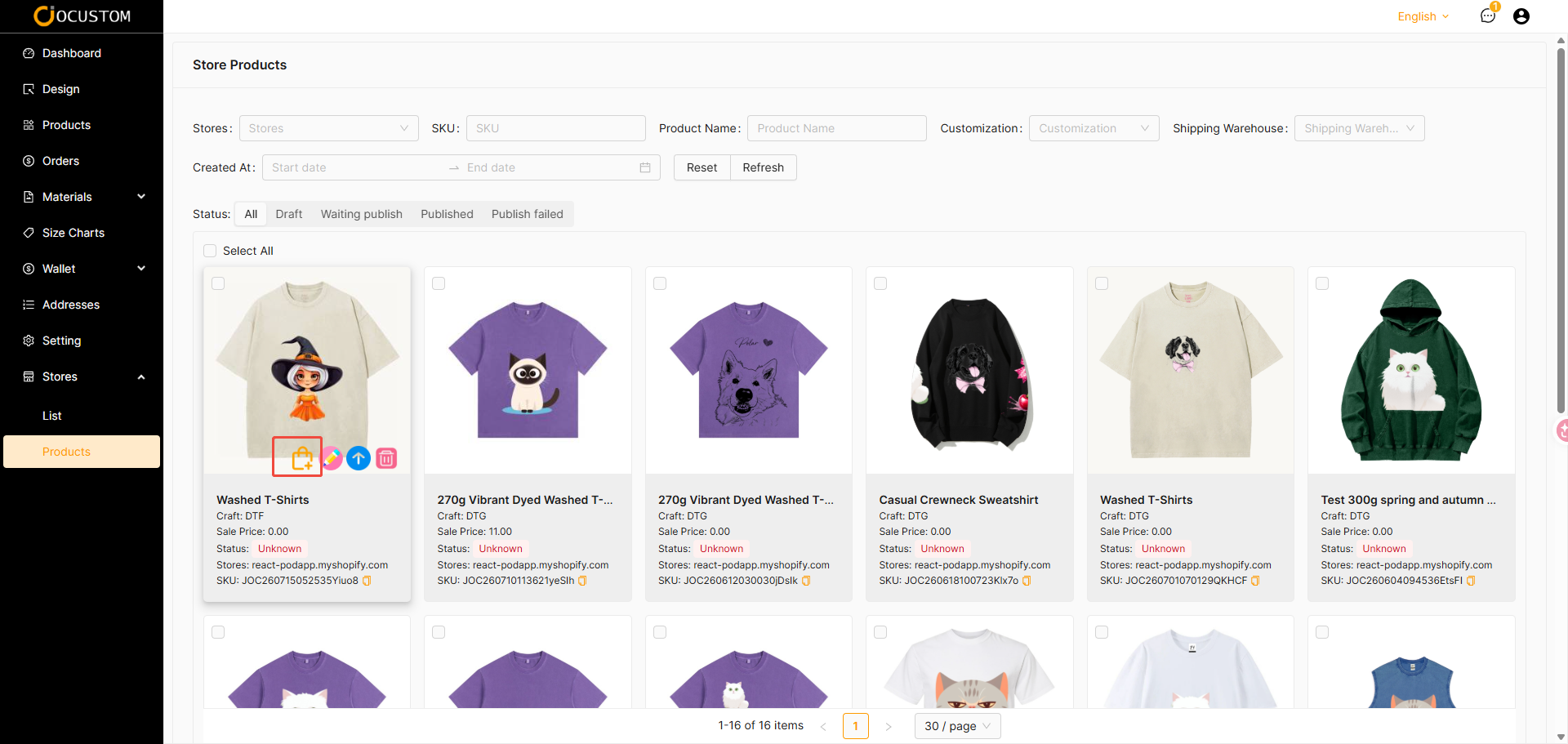
This interface displays the products you have synced to your store.
Syncing Products to Your Store
If your store is a standalone store and you have successfully authorized it, you can sync this product to your standalone store; however, this is not possible for custom stores.
TIP
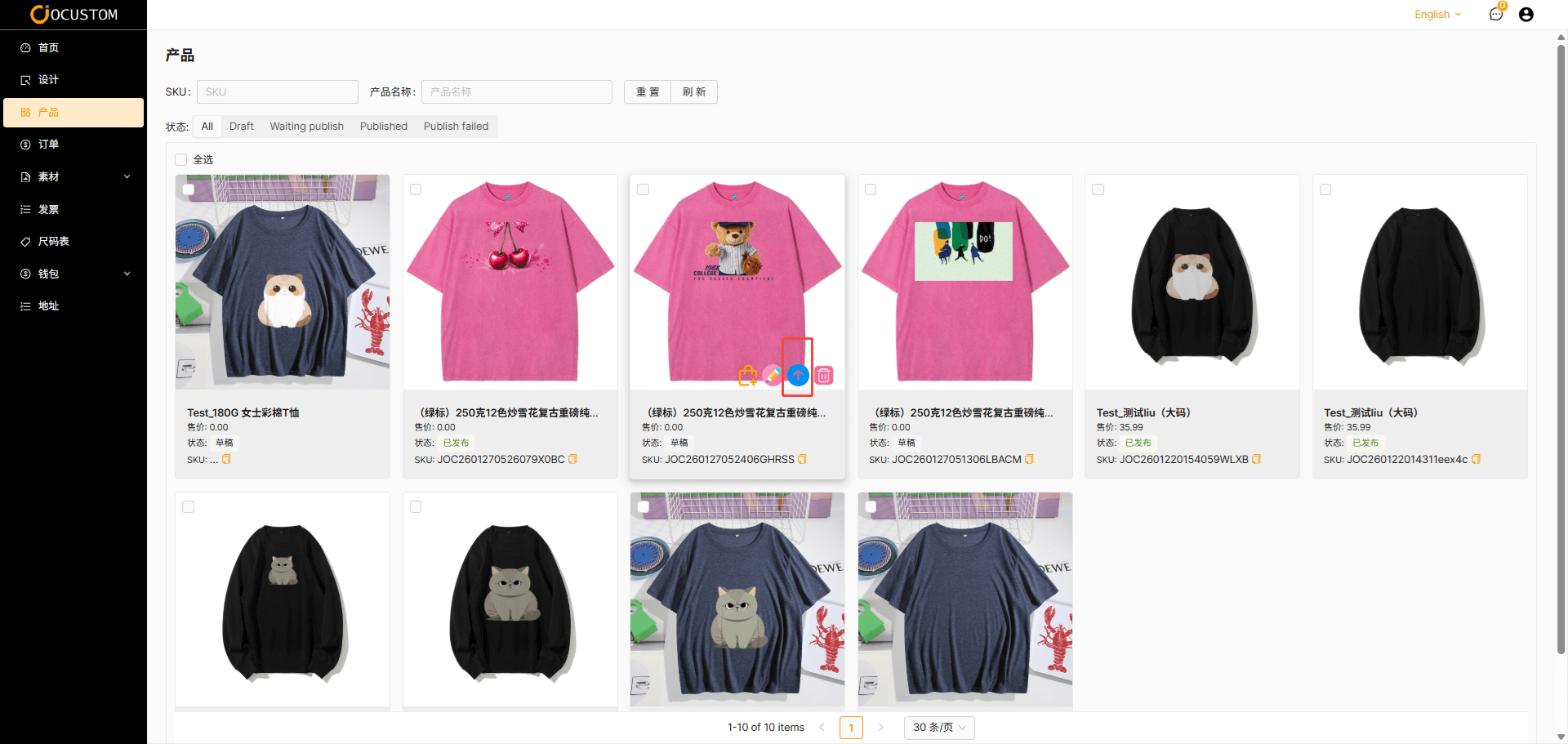
After you finish editing and click “Save,” you will be redirected to the product list interface. At this point, you can click the “Sync” button, and the product will be synced to your store.
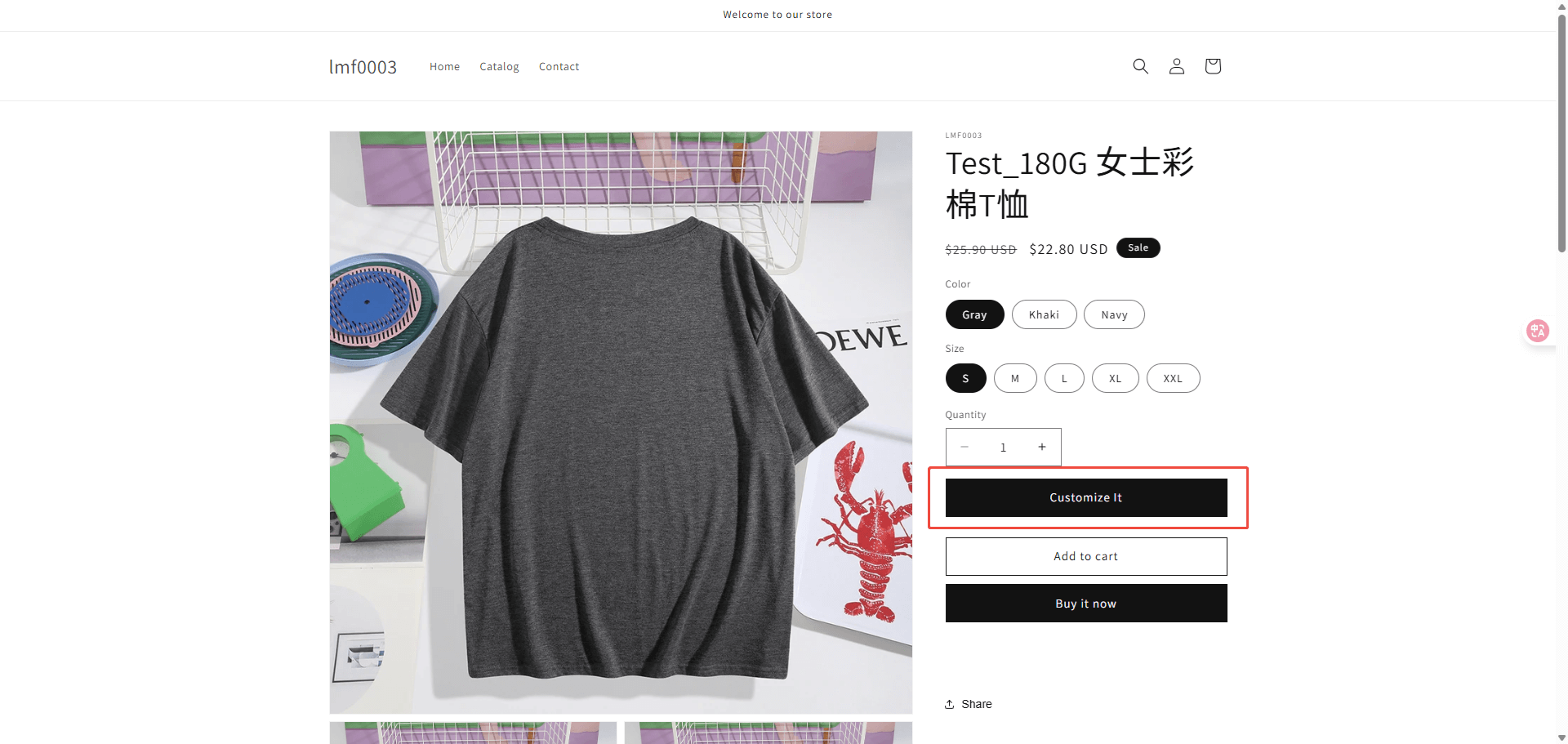
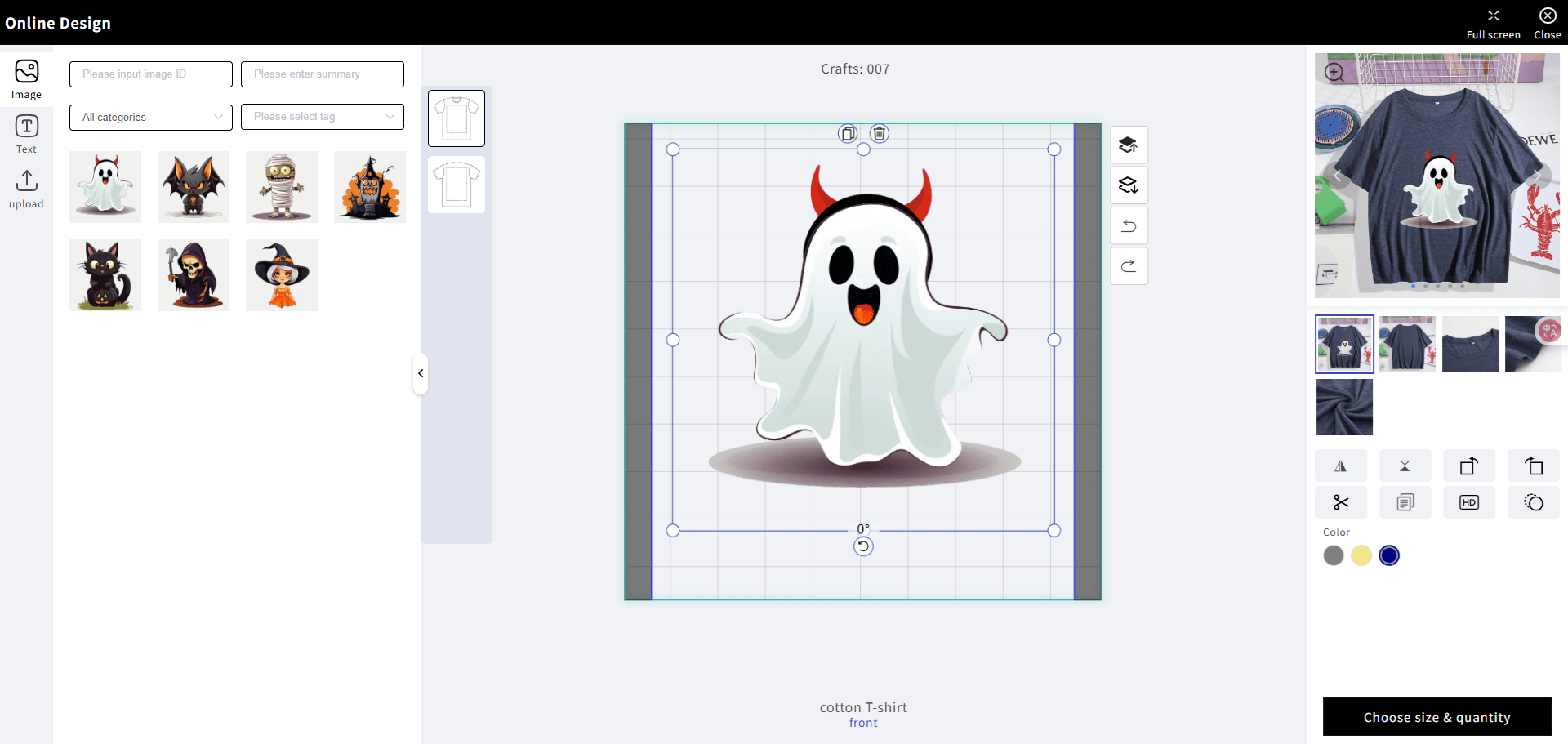
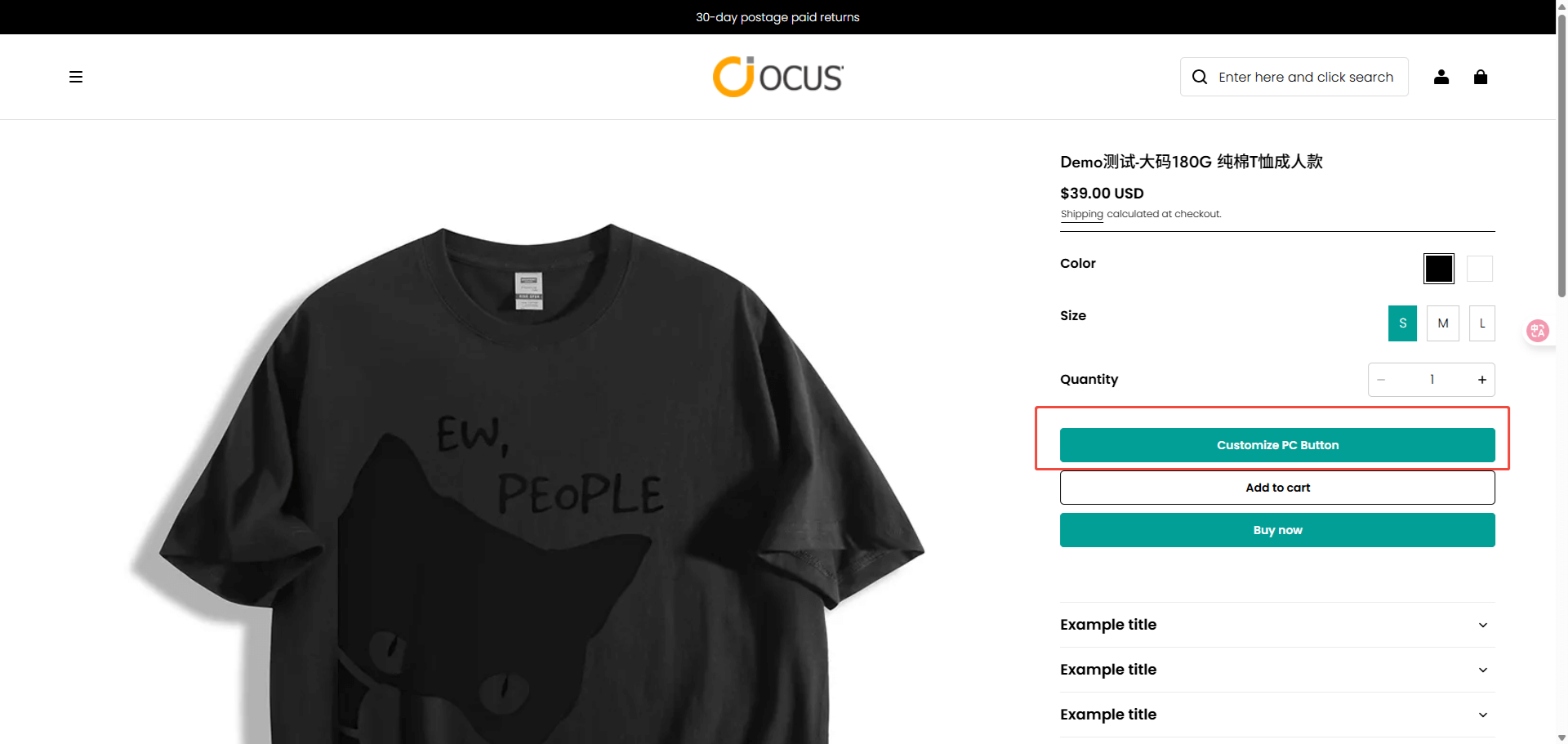
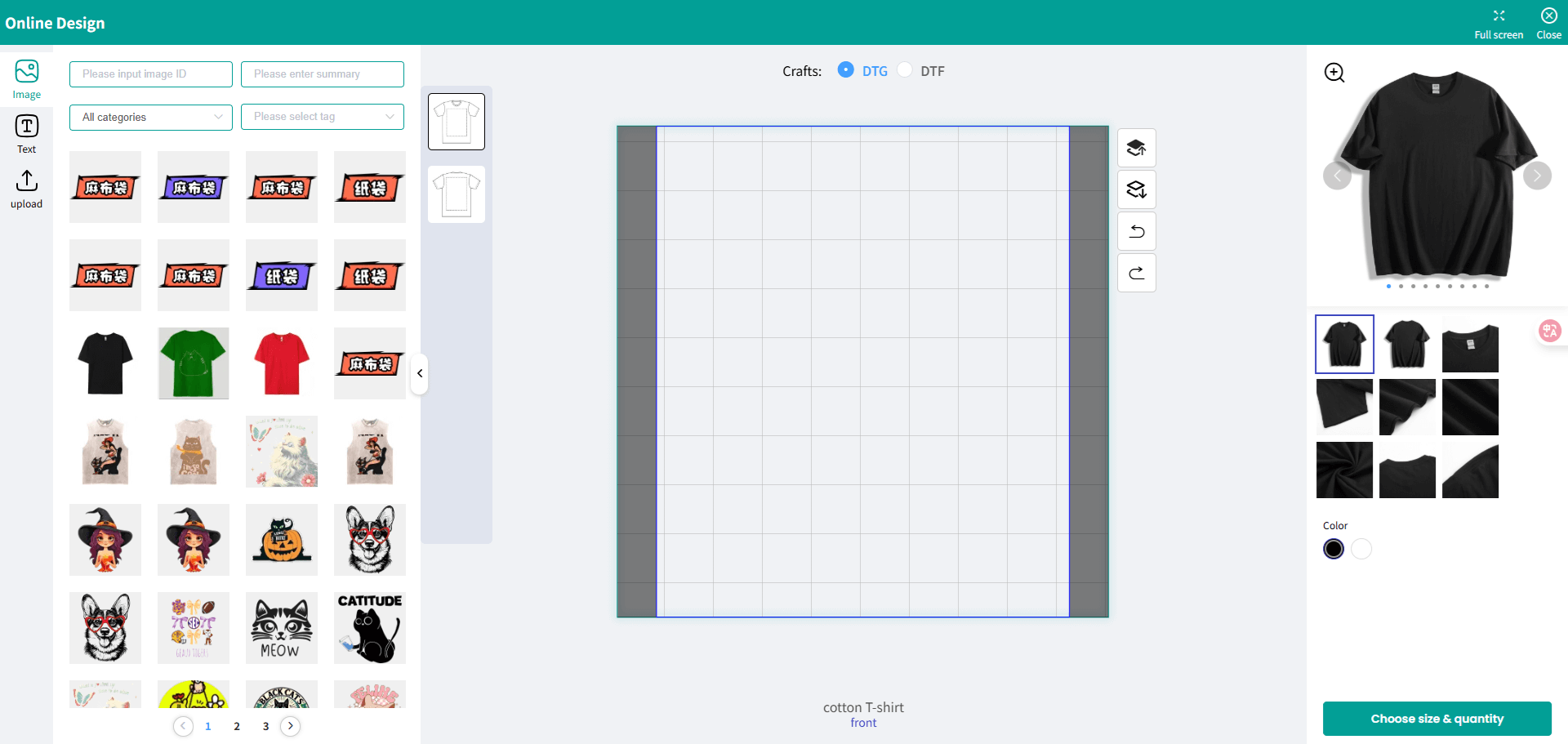
Once the product has been successfully synced to your store, you can go to your store’s front end, visit the product, and open the product details page—the customization button will then appear.
Shopify
Shopline
Direct Purchase of Store Products
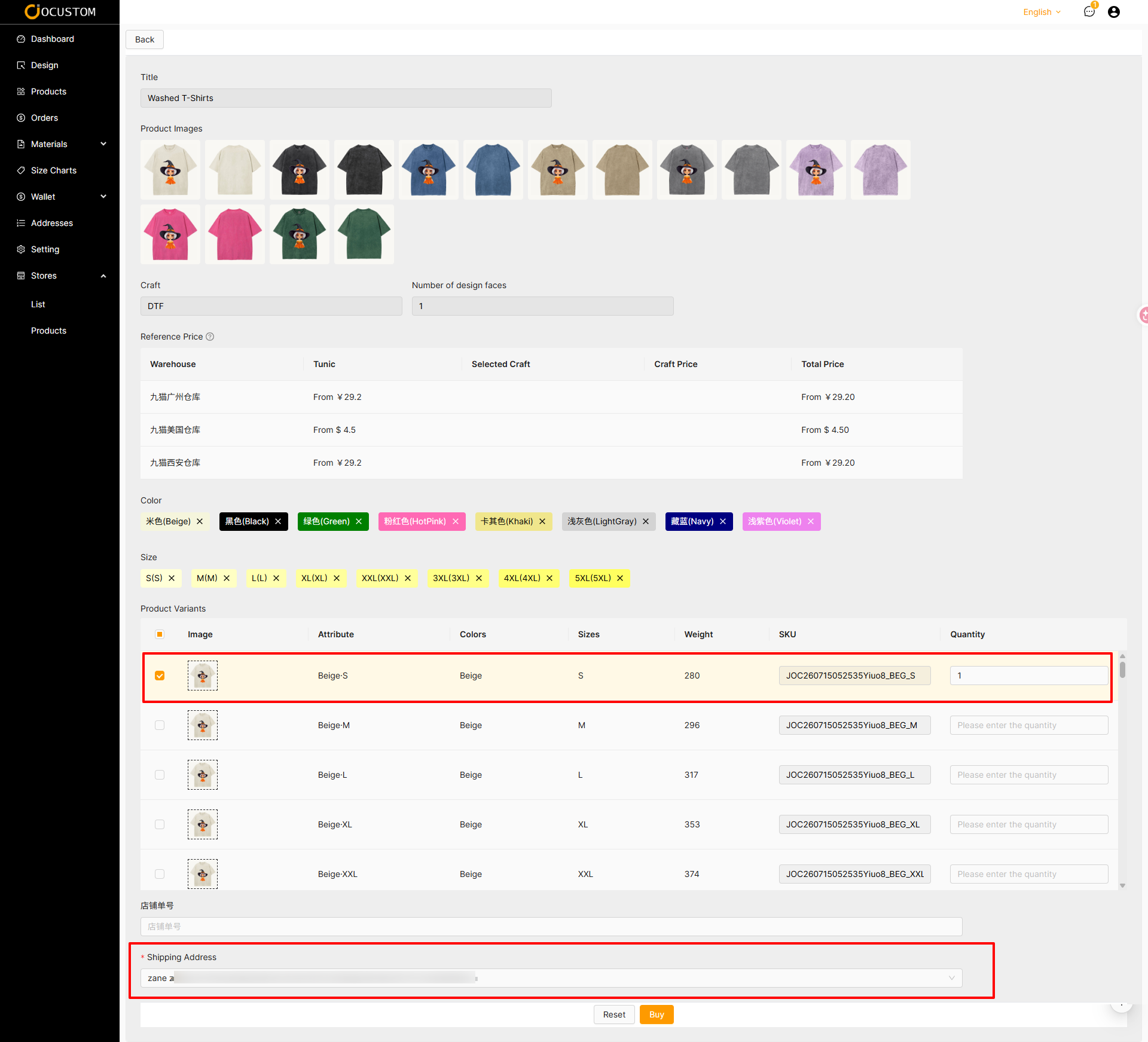
Clicking the “Buy” button will open the direct purchase page.
Select the product variant you want to purchase, enter the quantity, choose a shipping address, and click “Buy” to create a local order.
WARNING
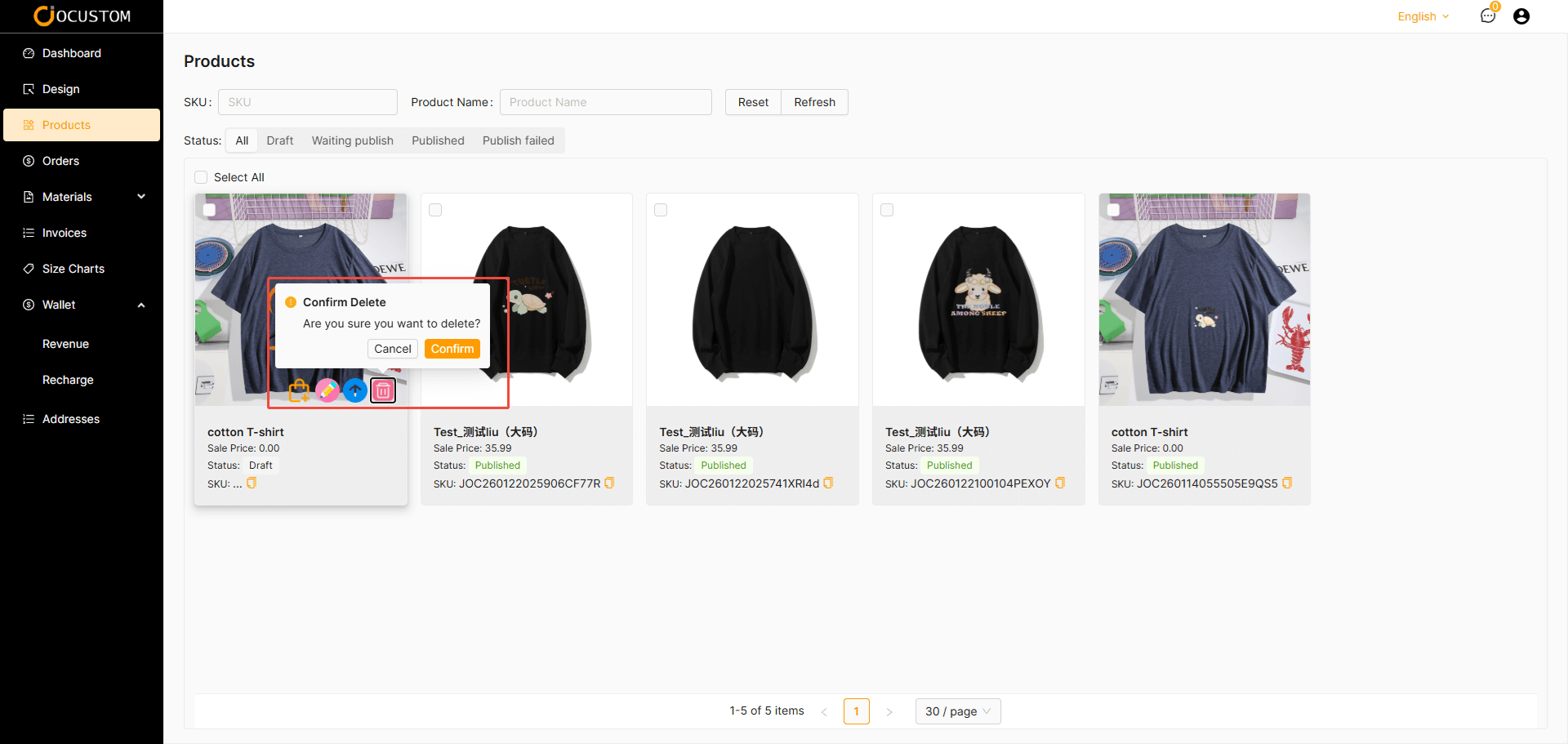
You can edit, sync, and delete all products displayed in the product list.
Please exercise caution when deleting items. Once confirmed, the item will be permanently deleted.